
Business ToolWeb
Instant Sheet Templates
Business templates and free generators that export a clean PDF.
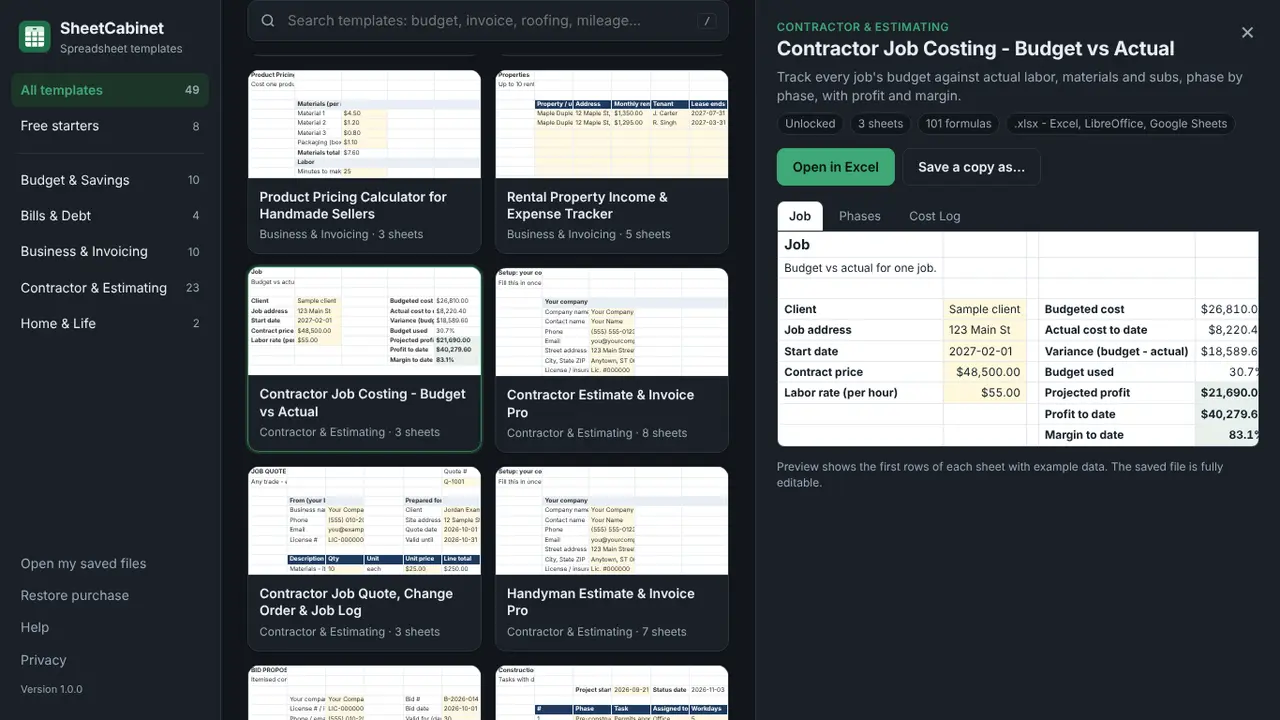
49 ready-made spreadsheet templates for Windows — budgets, bills, invoices and contractor estimators. Preview, then open in Excel.
Free with 8 starter templates. The full catalog of 49 is a one-time $9.99 in-app purchase.
SheetCabinet is a cabinet of ready-made spreadsheet templates for Windows. Find the one you need, preview every sheet with example data, and open your own copy in Excel in one click. Eight starter templates are free: a 50/30/20 budget, a zero-based budget, a bill tracker, a debt payoff tracker, sinking funds, an invoice with an invoice log, a mileage and expense log, and a weekly meal planner with a grocery list. A one-time in-app purchase unlocks the full catalog: monthly and paycheck budgets, a 2027 annual planner, savings goals, holiday and wedding budgets, snowball versus avalanche debt payoff, a subscription tracker, quotes, receipts, profit and loss, a 12-month cash flow forecast, inventory, timesheets and rental property tracking, plus contractor job costing, change orders, bid comparison, a Gantt schedule and estimators for roofing, decks, fences, concrete, paint, drywall, tile, insulation and gravel. Every template has a Start Here sheet, yellow input cells and formulas that calculate themselves, with no macros, so the files also work in LibreOffice and Google Sheets.
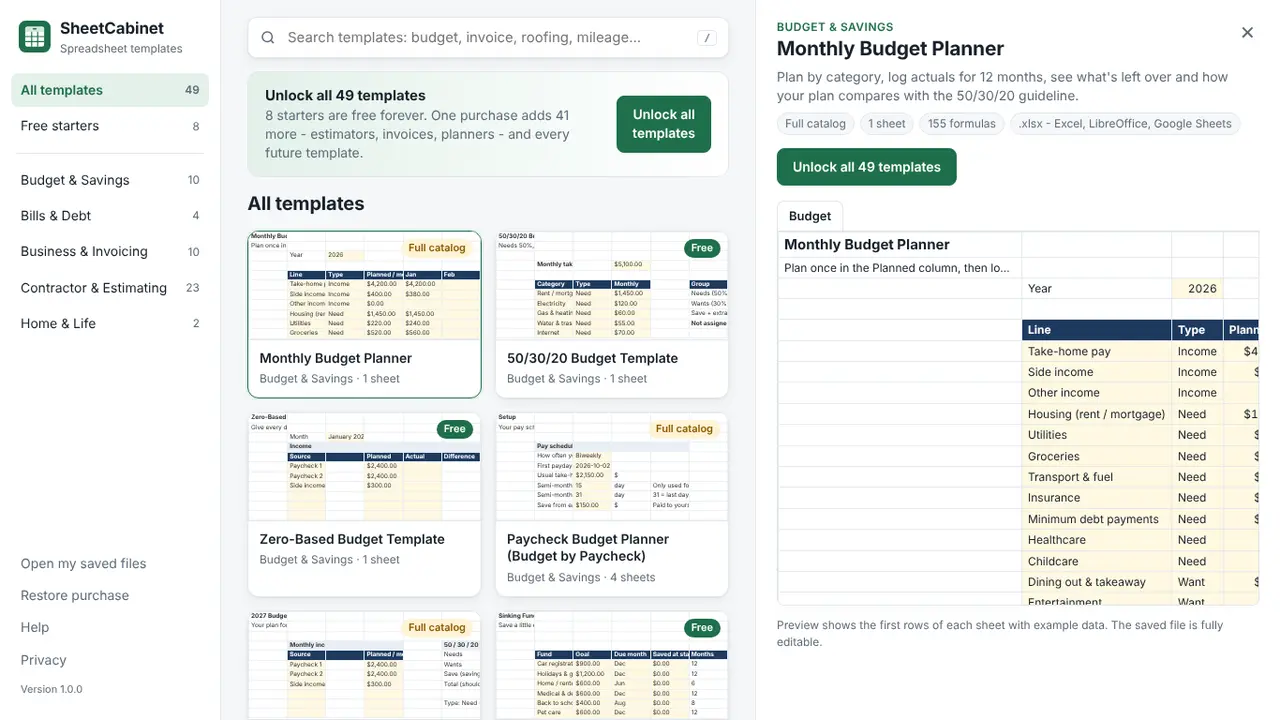
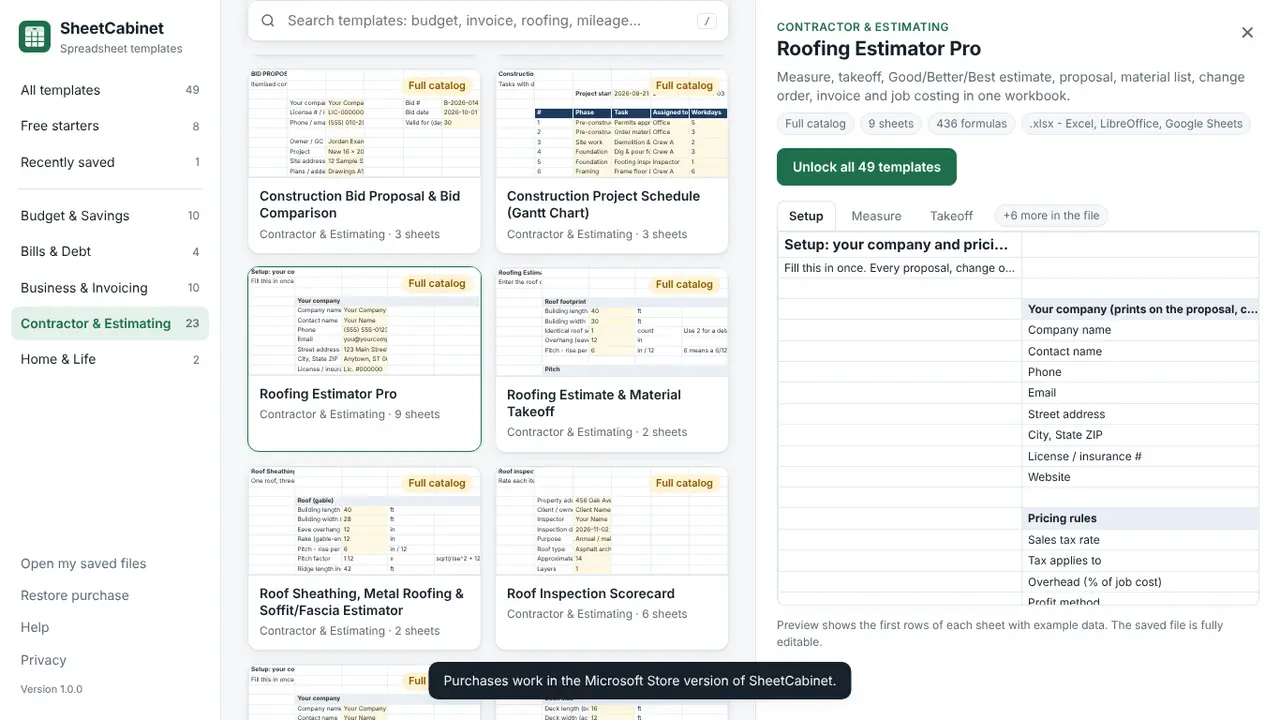
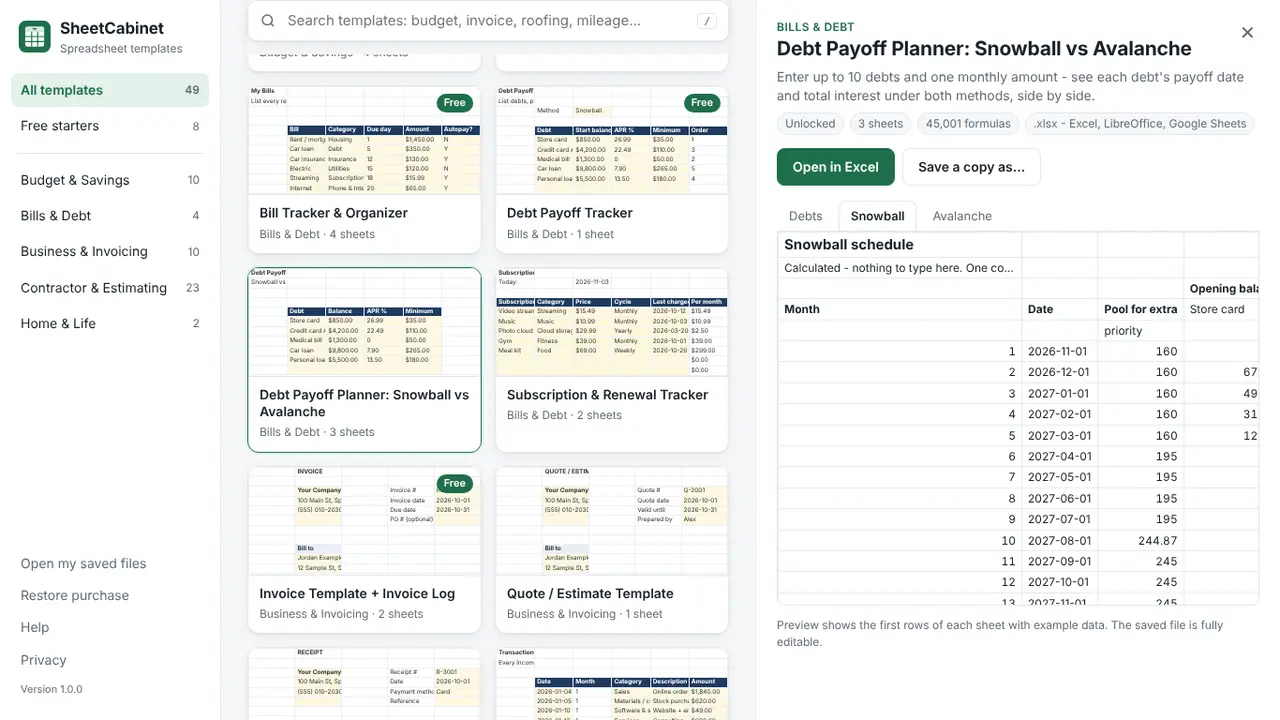
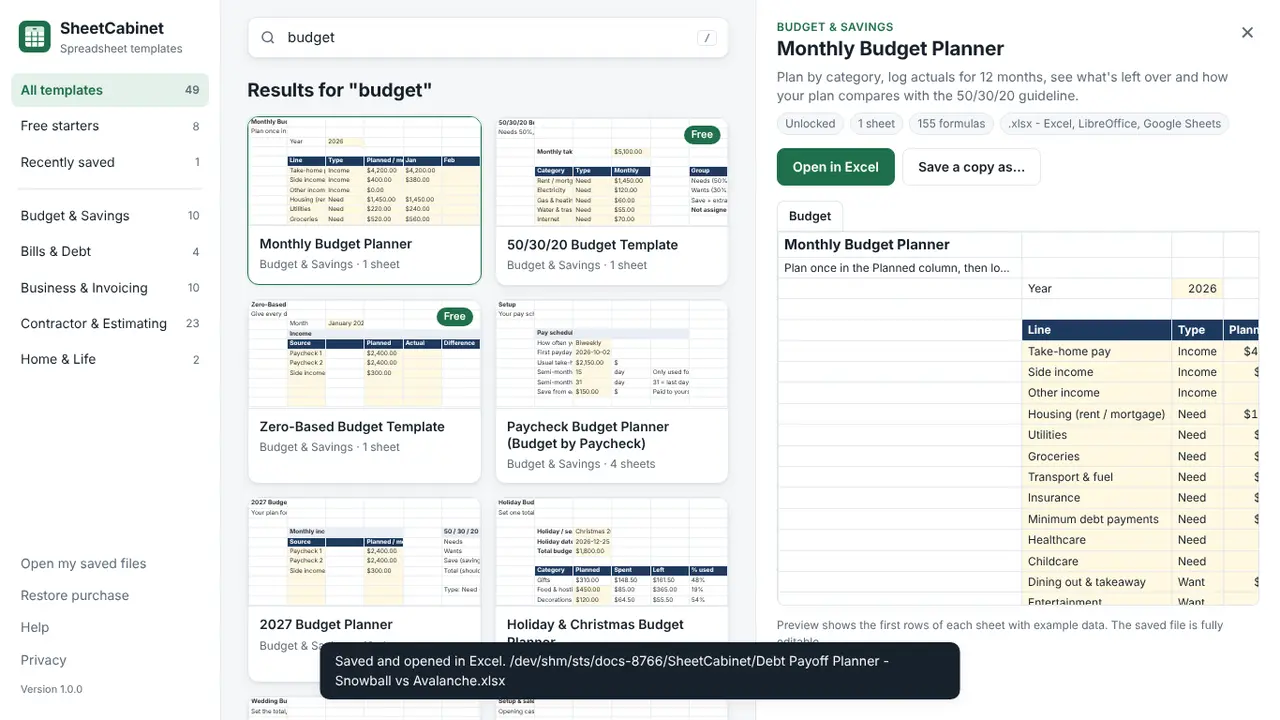
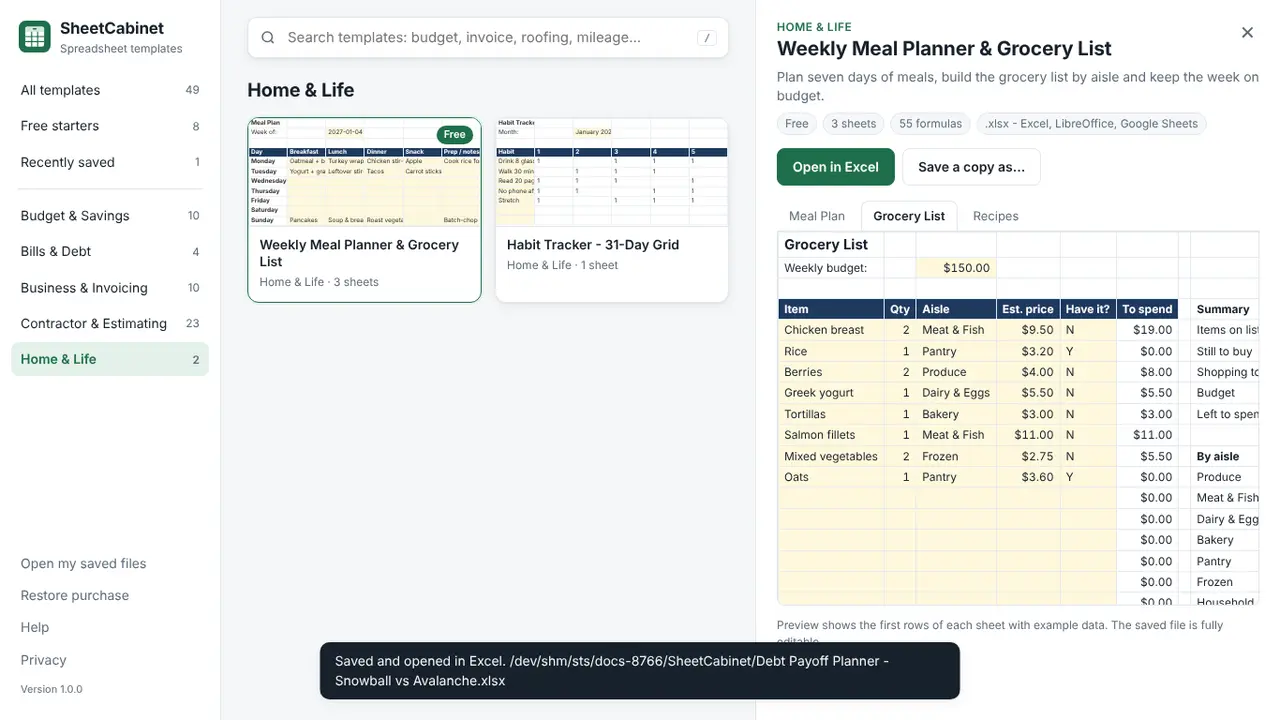
Households budgeting by spreadsheet, freelancers and small businesses who invoice from Excel, and contractors who want job costing and material estimators without building them from scratch.
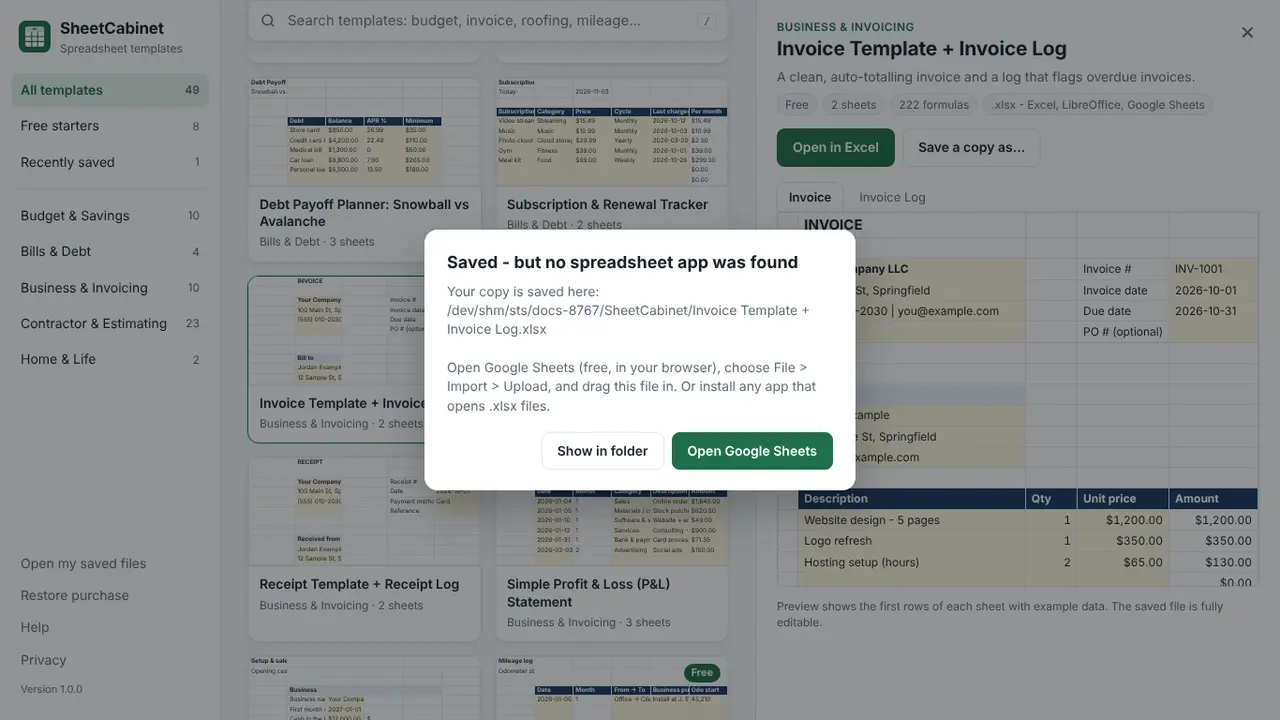
No. SheetCabinet opens the file in Excel when it's installed, otherwise in your default spreadsheet app. With none at all, it saves the file and opens Google Sheets so you can import it.
No. Formulas are plain Excel, so the files also work in LibreOffice and Google Sheets.
In Documents\SheetCabinet. A copy is never overwritten, and SheetCabinet collects no personal data.
SheetCabinet has been submitted to the Microsoft Store and is in certification. It will be on the Microsoft Store soon; this page links to the listing the day it goes public. The app and 8 templates are free; the full catalog is a one-time $9.99 purchase.
Business templates and free generators that export a clean PDF.
Free inventory, invoicing and business calculators for small businesses.
Estimates, quotes and invoices with your logo for Windows: PDF, payments and a dashboard. No subscription, no account.