
Business ToolBrowser extension
Pixel Porter for Chrome
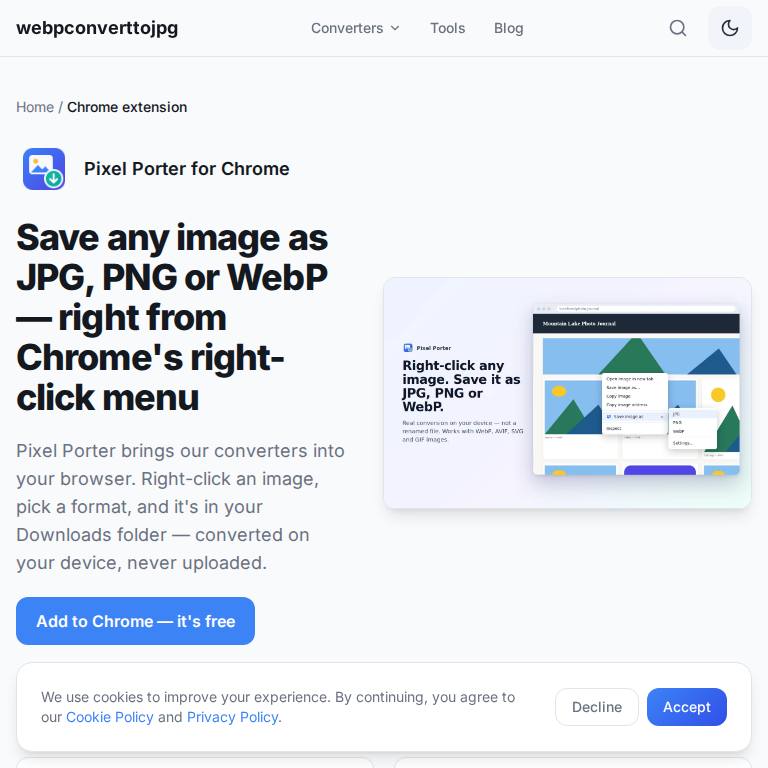
Right-click any image in Chrome and save it as JPG, PNG or WebP.
Learn more
Edge Add-ons: coming soon
Free extensions for Chrome and Microsoft Edge that each do one job well. Pixel Porter adds "Save image as JPG, PNG or WebP" to the right-click menu and converts on your device. Mind Skills Daily Puzzle Tab turns the new tab page into a calm page with one quick brain puzzle a day, your streak, a clock and search. Neither has ads or an account, and neither collects personal data.
Right-click any image in Chrome and save it as JPG, PNG or WebP.

A calm new tab page with one quick brain puzzle a day, your streak, a big clock and search. No ads, no account.
Extensions sit close to everything you browse, so ours ask for as little access as they can. Pixel Porter works on the tab you click it on and asks for a specific site only if that site blocks a download. Daily Puzzle Tab only replaces the new tab page; puzzles are generated in your browser and your streak never leaves it. Both store pages list exactly what is collected: nothing.
The extensions are built for Chromium browsers, so they run in Google Chrome, Microsoft Edge, Brave, Opera and Vivaldi. Edge can install from the Chrome Web Store when you allow extensions from other stores; Edge Add-ons listings are in review and get their own buttons the day they go public.
Guide
Minimalist new tab extensions for Chrome: what to look for, and a daily puzzleWhat a good minimalist new tab extension for Chrome does, the permission and privacy check to make before installing one, and a calm new tab with one daily brain puzzle.
Yes. Both are free, with no ads, no account and no in-app purchases.
Not yet: it has been submitted and is in review. Its page links to the listing the day it goes public. Pixel Porter is already on the Chrome Web Store.
Daily Puzzle Tab works fully offline. Pixel Porter converts images on your device; it needs the web page you're saving from, but no server of ours.