How to bulk edit variants in Shopify: prices, SKUs, weights and more
Edit Shopify variants in bulk: the bulk editor, the product CSV, renaming option values, common jobs like SKUs and weights, and a filter-and-preview method with undo.
October 11, 2026 · 5 min read
Disclosure: we make Bulk Edit Everything, mentioned below. The native methods are free.
Prices, SKUs, barcodes, weights, costs and stock all live on variants, not products. A T-shirt in 5 sizes and 4 colours is 20 variants, so a store with 300 products can easily have 3,000 variant rows. Here's how to edit them in bulk.
What you can edit on a variant
- Price, compare-at price and cost per item
- SKU and barcode
- Weight, requires shipping, country of origin and HS code
- Track quantity, quantity per location and the out-of-stock policy
- Taxable, and variant metafields
Method 1: the bulk editor
- Go to Products, filter, select the products and click Bulk edit.
- Every variant gets its own row under its product. Use Columns to add the fields you need.
- Edit cells directly. You can paste a value into a range of cells in the same column.
- Click Save.
No formulas and no find-and-replace, so it's best for a few hundred rows of hand edits.
Method 2: the product CSV
The product export has one row per variant, with columns like Variant SKU, Variant Price, Variant Grams and Variant Barcode. Edit them with spreadsheet formulas and import with Overwrite products with matching handles. Rows are matched by handle and option values, so don't rename options in the same import.
Typical variant jobs and the native route
- Raise the price of every XL by $2: CSV, filter
Option1 Value = XL, formula on the price. - Generate SKUs from product and option: CSV with a
CONCATformula. - Set the weight for a whole product type: bulk editor, paste down the column.
- Copy cost into a metafield: not possible natively without the API.
Renaming option values (Size "Large" to "L")
Option values are product-level. Open each product and edit the option, or use the CSV and change Option1 Value on every row of that product. A rename can break theme swatches, filters and smart collections that match the old value, so check them afterwards.
The faster way: variant filters and formulas, with undo
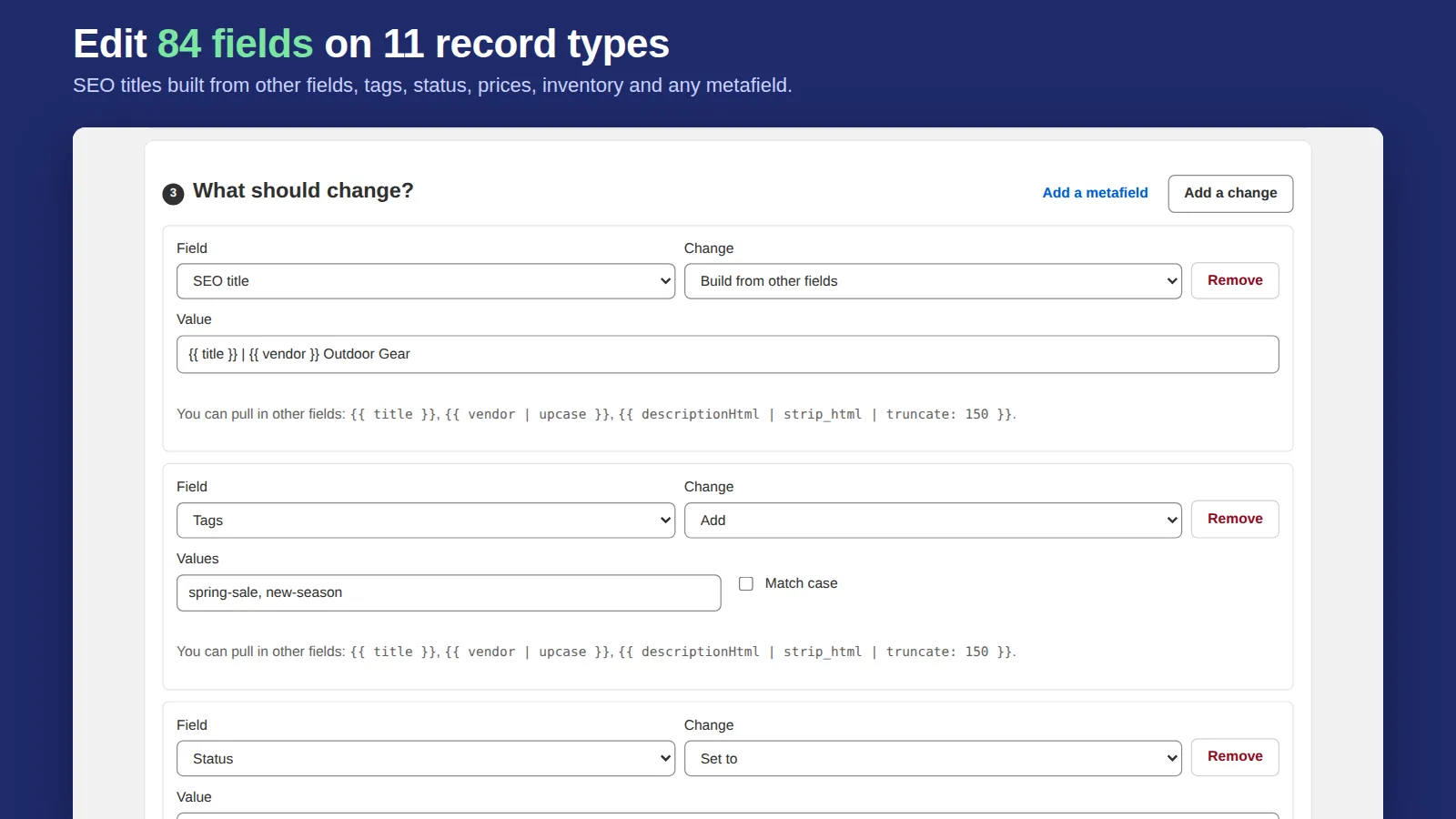
Bulk Edit Everything treats variants as their own record type. Filter with Shopify search (for example vendor:Acme), then change price by a percentage or amount with rounding, set price from cost plus a margin with a floor, fill SKUs from a template, copy one field into another, set weight, barcode, HS code or any variant metafield. Every change is previewed before and after, and every task can be undone in one click.
Related: bulk editing compare-at prices, bulk editing inventory and bulk editing prices.
Frequently asked questions
Can I bulk edit variants in Shopify?
Yes. The bulk editor shows one row per variant, and the product CSV has one row per variant. Both are free.
How do I change the price of one size across all products?
Export the product CSV, filter the Option Value column to that size, change Variant Price with a formula and import with overwrite. A bulk editor app can do it with a filter and a percentage.