
Business ToolBrowser extension
Pixel Porter for Chrome
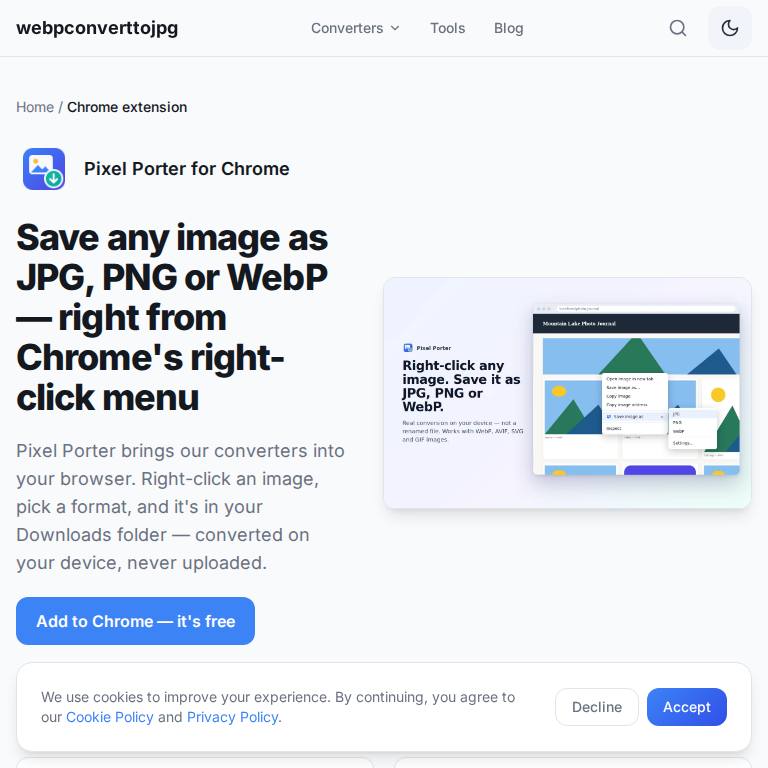
Right-click any image in Chrome and save it as JPG, PNG or WebP.
Learn more
Edge Add-ons: coming soon
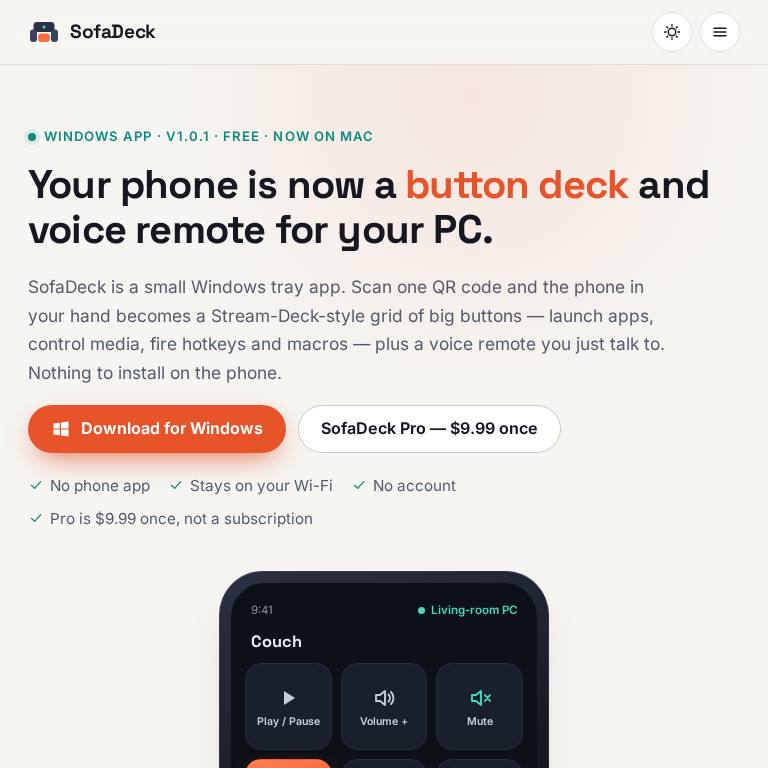
Turn your phone into a button deck and voice remote for your Windows PC or Mac — in any phone browser, or with the free Android app.
SofaDeck started as the phone remote Dixon App Studio built for its own LaunchBox and Big Box arcade cabinet: a web page served by the PC, with big buttons and voice search, that any phone in the house could open. SofaDeck turns that idea into a small tray app for Windows 10/11 and a menu-bar app for macOS 11 or later (Apple silicon and Intel). Scan a QR code, approve the phone on the computer, and the phone shows a grid of large buttons that launch apps and websites, send hotkeys, control media and volume, and run macros — plus a push-to-talk voice remote that understands commands like "volume down" and the name of any button. On Windows the phone also works as a trackpad and keyboard, sends photos, files, text and links to the PC over Wi-Fi (Send to PC), shows live PC stats (CPU, memory, disk and NVIDIA GPU temperature) and what's playing, works as a slide clicker, and has a sleep timer plus a "screen off, stay ready" mode that keeps the PC reachable with the display dark; SofaDeck Pro adds Wake-on-LAN (one-click setup, wake buttons for your other PCs and a phone screen that helps wake a sleeping PC), Smart pages, which switch the phone to the right page when an app such as OBS or a browser comes to the front, and Print Station: send PDFs, photos and 4x6 shipping labels from the phone to the PC's printer, printed silently at actual size, including Rollo and other thermal label printers. It stays on your home network: no account, no cloud relay, no telemetry. On the Mac, SofaDeck 1.0.9 adds routines, automatic profiles, mic and call mute buttons and OBS Studio control. SofaDeck is a free download from sofadeck.com (the code-signed Windows 1.0.10 installer or zip, and the notarized universal Mac 1.0.9 disk image) and from the Microsoft Store; Mac users can also install it with Homebrew. On Android phones, the optional free SofaDeck app on Google Play ("SofaDeck: PC Remote & Voice", no ads) adds a home-screen widget, Quick Settings tiles, share-to-PC and the volume keys. SofaDeck Pro is an optional one-time $9.99 upgrade, and every Pro feature can be tried free for 7 days.
Streamers, living-room and arcade-cabinet PC owners, presenters, and anyone who wants big buttons or voice control for a Windows PC or Mac from the couch.
Using a Mac? Stream Deck on Mac compares Elgato's hardware, Stream Deck Mobile and a free phone deck, with the macOS permissions each needs.
No. SofaDeck runs on the computer and serves the deck as a web page on your home network; you pair by scanning a QR code. On Android there is also an optional free app on Google Play that adds a widget and Quick Settings tiles.
From sofadeck.com/download — a Windows installer or zip (x64 and Arm64) and a notarized Mac disk image. On a Mac you can also run: brew install --cask stefanodixon-ux/tap/sofadeck. Every file is listed with its SHA-256 checksum, and the Mac version is signed and notarized by Apple.
Yes, on Android: SofaDeck: PC Remote & Voice is free on Google Play, with no ads. It adds a home-screen widget with your favourite buttons, Quick Settings tiles for the PC mic and play/pause, a trackpad and keyboard, voice, share-to-PC and the phone's volume keys for the PC's volume. You don't need it, though: the computer serves the deck as a web page, so any phone browser works, including Safari on iPhone and iPad. Either way you pair by scanning the QR code on the computer.
No. It's an independent app that gives you a similar grid of programmable buttons on the phone you already own, plus voice control. It isn't affiliated with Elgato or Corsair.
No. Pro is a one-time $9.99 purchase (in the Microsoft Store on Windows, a license key on Mac) that adds unlimited pages, macros and, on Windows, Smart pages, files of any size and Print Station. The free version keeps working without it.
Yes, with Print Station in SofaDeck Pro on Windows (1.0.5 or later): tap the printer button on the phone, pick the label PDF or a photo, and the PC prints it on the printer you chose, silently and at actual size. It works with Rollo and other thermal label printers.
Yes, on Windows with SofaDeck 1.0.7 or later. The free sleep timer sleeps, shuts down or turns off the screen after the time you pick (also by voice: "sleep in 45 minutes"), and "screen off, stay ready" keeps the PC reachable with the screen dark. SofaDeck Pro sets up Wake-on-LAN and wakes your PCs from the phone.
Yes, on Windows with SofaDeck 1.0.6 or later: tap the send button on the phone to send photos and files to the PC's Downloads folder over your Wi-Fi, copy text onto the PC's clipboard or open a link in its browser. It's free for files up to 25 MB; Pro sends any size up to 4 GB.
Right-click any image in Chrome and save it as JPG, PNG or WebP.
Find games like the ones you love — iOS, Android and web.
Free inventory, invoicing and business calculators for small businesses.