Business ToolAndroidWeb
WebP Convert to JPG
Convert WebP images to JPG instantly — free and private.
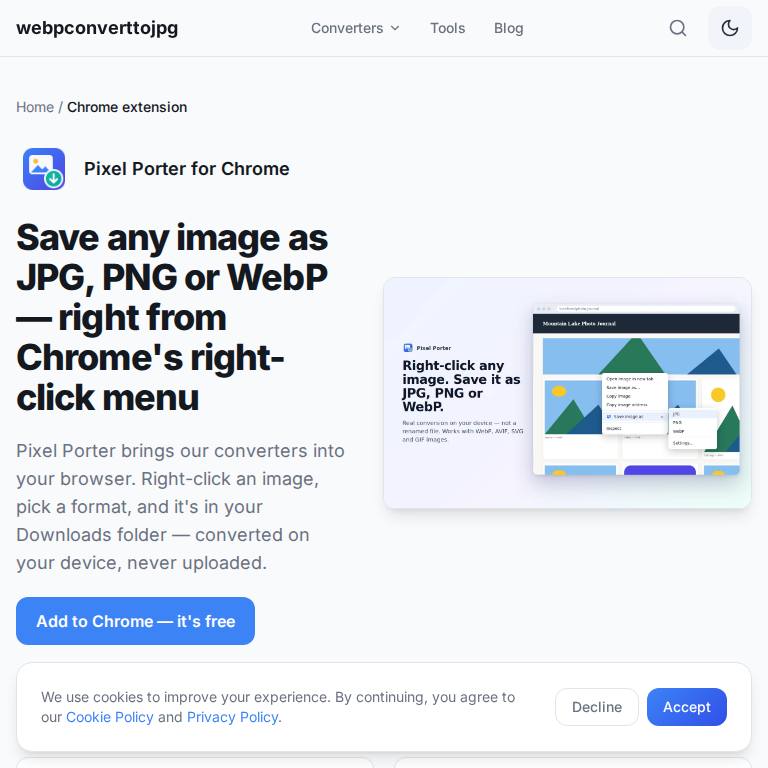
Right-click any image in Chrome and save it as JPG, PNG or WebP.
Pixel Porter brings the webpconverttojpg.com converters into Chrome's right-click menu. Right-click an image on any page, choose the format you want — JPG, PNG or WebP — and the converted file lands in your Downloads folder. Conversion happens in your browser, so the image is not uploaded to a server. It is free on the Chrome Web Store, and the full set of browser-based converters and image tools lives at webpconverttojpg.com.
Anyone who keeps downloading WebP images that their editor, CMS or printer won't open.
Yes. It's a free extension on the Chrome Web Store.
No. The conversion runs in your browser and the file is saved straight to your device.
Yes — the same converters run in any browser at webpconverttojpg.com.
An Edge Add-ons version has been submitted and is in review. Until it's public, Edge can install Pixel Porter from the Chrome Web Store (allow extensions from other stores when Edge asks).
Convert WebP images to JPG instantly — free and private.

Convert whole folders of iPhone HEIC, WebP and AVIF photos to JPG or PNG on your PC — offline, no codec add-ons.

A calm new tab page with one quick brain puzzle a day, your streak, a big clock and search. No ads, no account.
Turn your phone into a button deck and voice remote for your Windows PC or Mac — in any phone browser, or with the free Android app.