
Business ToolAndroidWeb
WebP Convert to JPG
Convert WebP images to JPG instantly — free and private.

Convert whole folders of iPhone HEIC, WebP and AVIF photos to JPG or PNG on your PC — offline, no codec add-ons.
$4.99 one-time, with a 7-day free trial. No subscription, no in-app purchases.
PixFerry converts whole folders of photos on your PC in one go, including the HEIC photos iPhones take, without paid codec add-ons and without uploading anything. Drop in files or folders, pick JPG, PNG or WebP, and press Convert. Its HEIC and HEIF decoders are built in, so you don't need the HEVC Video Extensions or HEIF Image Extensions from the Store. A quality slider (WebP at 100 is lossless) and batch resize by maximum pixels or percent cover the usual jobs, and EXIF and GPS location are removed by default, with a switch to keep the date taken and camera details. Folder structure is kept, originals are never overwritten, and a summary lists any file that failed and why. PixFerry also has PDF tools: merge PDFs in the order you choose, split a PDF into single pages or every N pages, compress a PDF by shrinking the photos inside it, and turn images (HEIC included) into a PDF. Everything runs on your PC: no account, no ads, no analytics and no network connections.
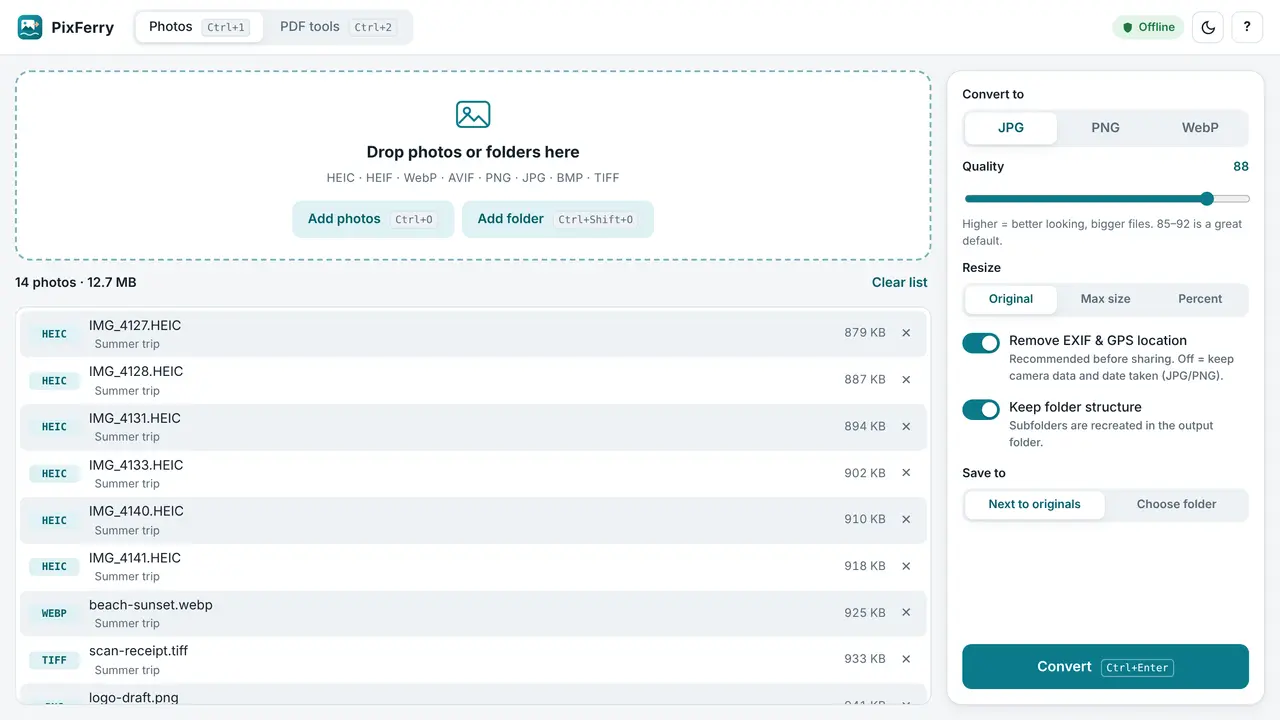
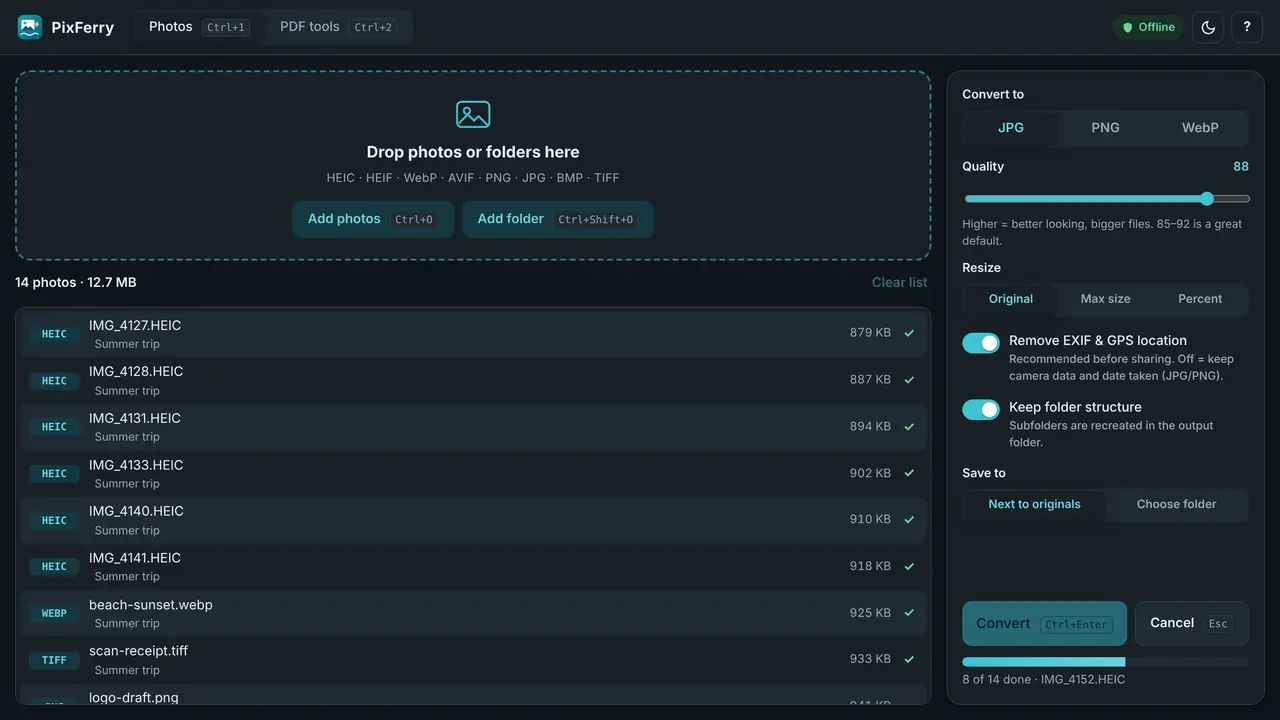
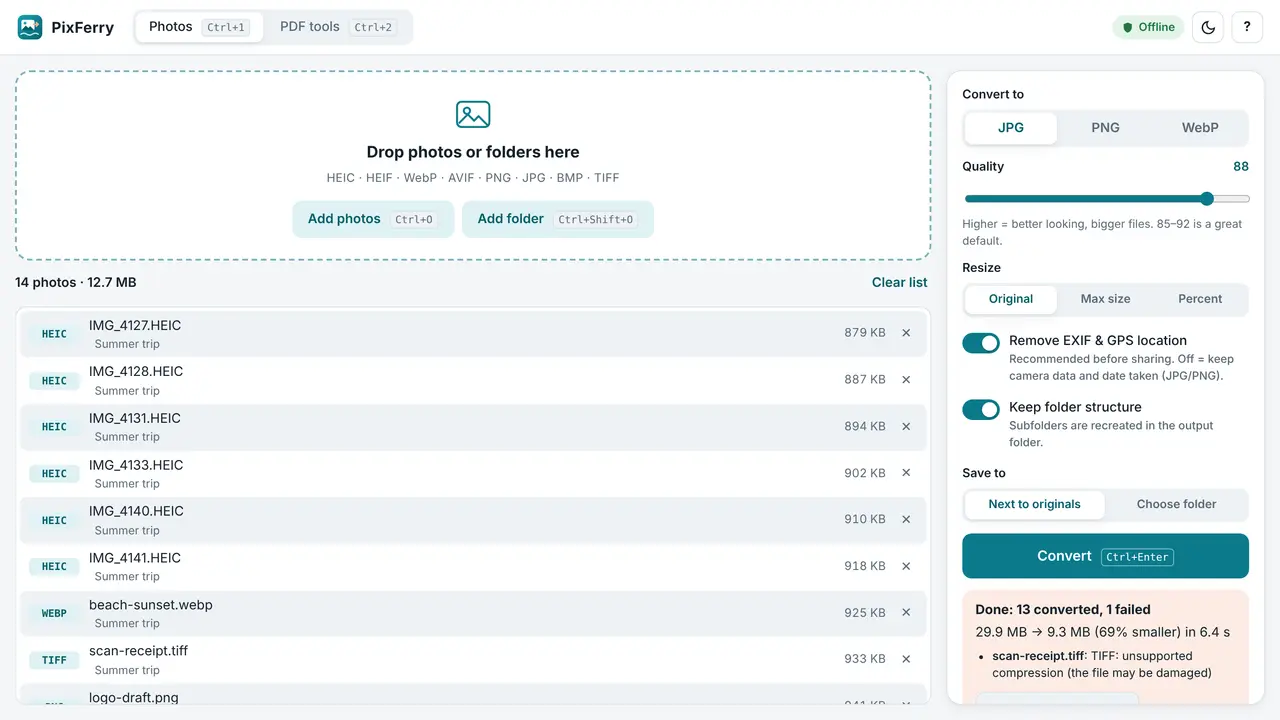
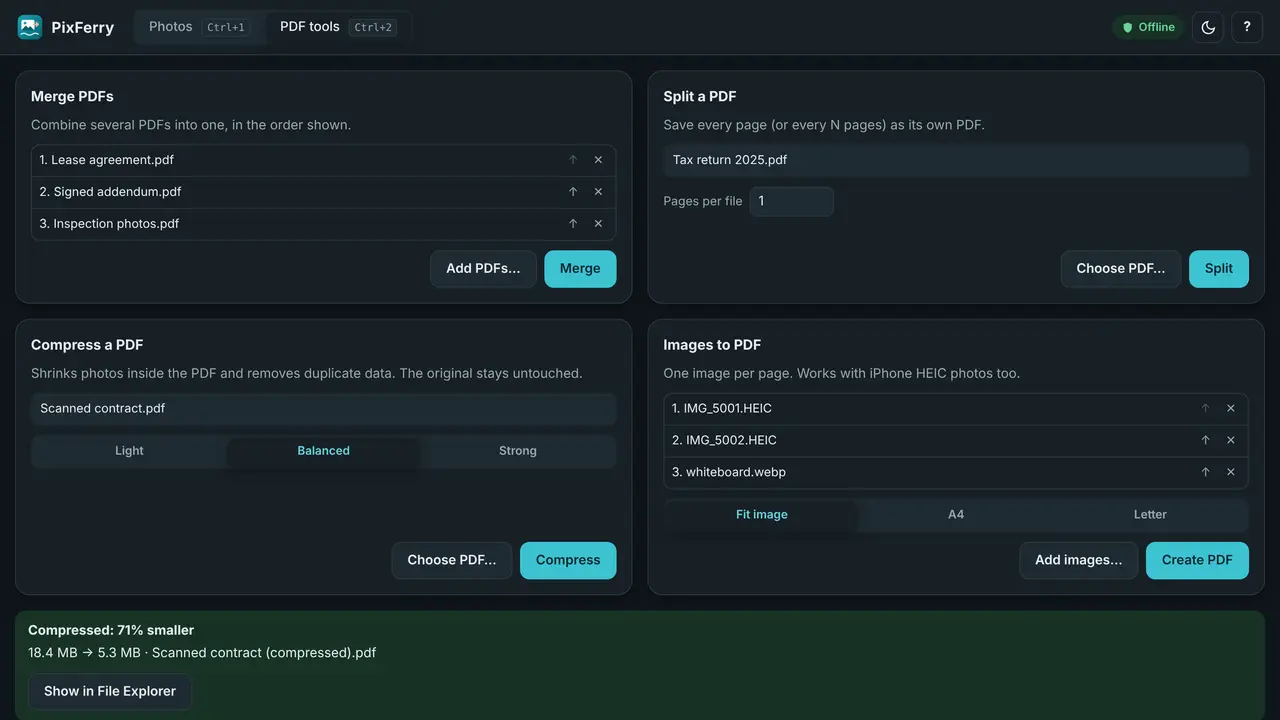
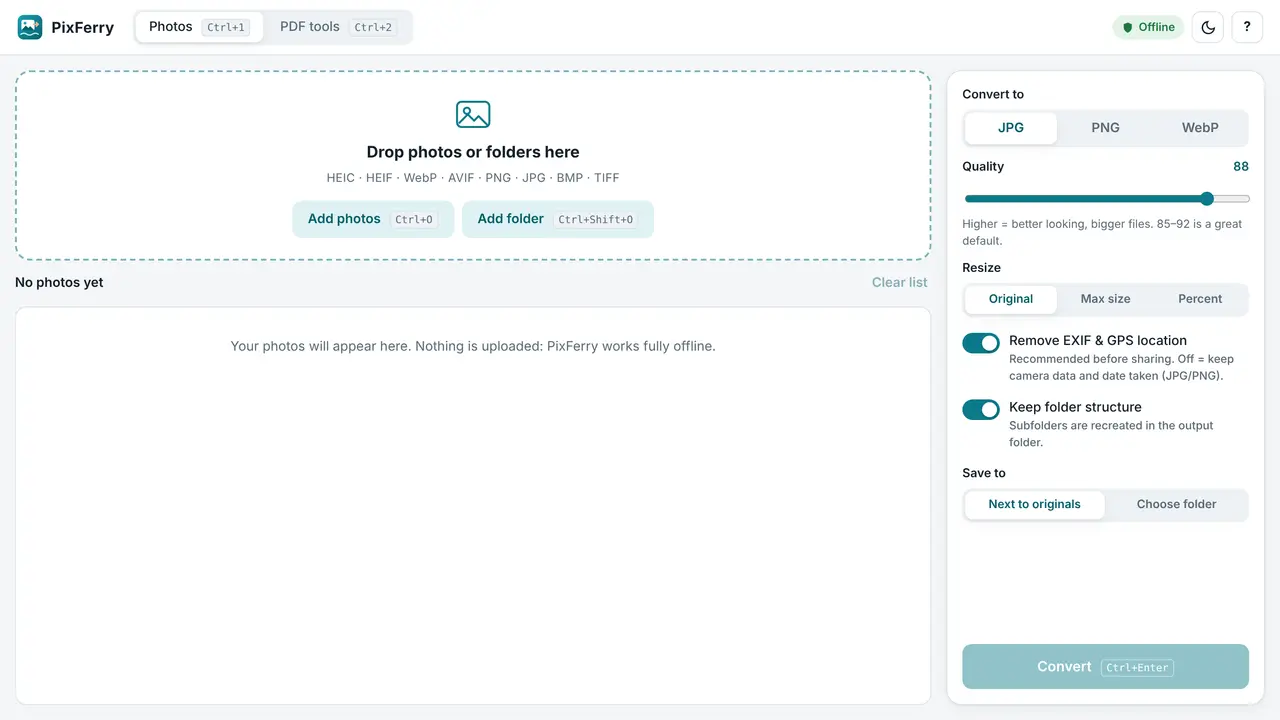
Anyone with a folder of iPhone photos that Windows apps, upload forms or printers won't open, and people who want PDFs merged or shrunk without uploading them to a website.
No. PixFerry has its own HEIC and HEIF decoders built in, so it opens iPhone photos on any Windows 10 or 11 PC without the paid HEVC Video Extensions.
No. PixFerry makes no network connections at all. Conversion and the PDF tools run on your PC, and there's no account, no ads and no analytics.
By default it removes EXIF and GPS location for privacy. Switch that off and the date taken and camera details are kept.
Yes. Drop the folder in; PixFerry converts every supported photo, keeps the folder structure and saves next to the originals or to a folder you choose.
PixFerry has been submitted to the Microsoft Store and is in certification. It will be on the Microsoft Store soon; this page links to the listing the day it goes public. It costs $4.99 once, with a 7-day free trial.
Convert WebP images to JPG instantly — free and private.
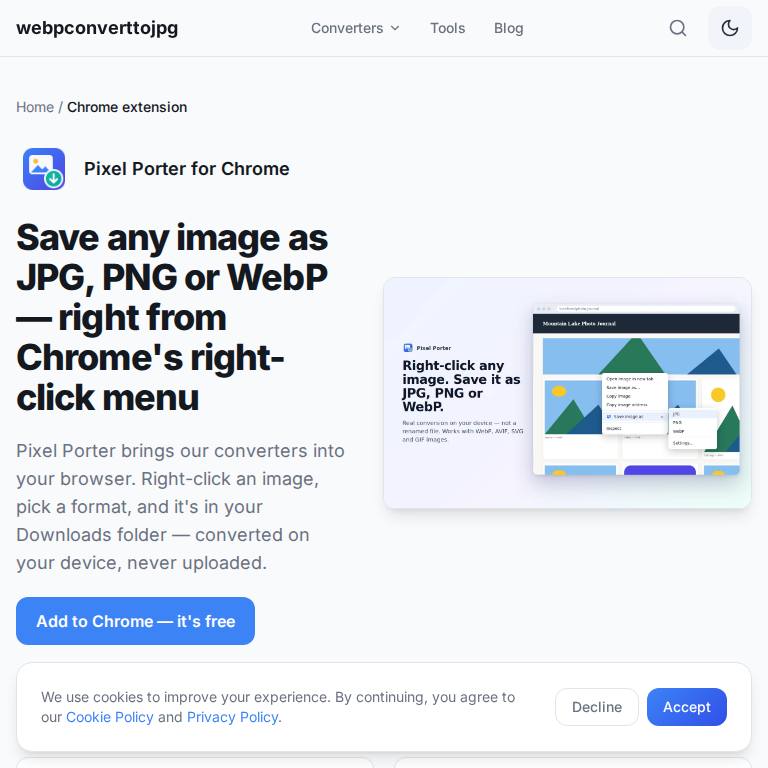
Right-click any image in Chrome and save it as JPG, PNG or WebP.

Every unit, currency, and conversion in one offline app — now on iOS, Android, and web.