Best Stream Deck alternatives: hardware, phone apps and free options compared
Stream Deck alternatives compared: Elgato hardware, Stream Deck Mobile, SofaDeck, Touch Portal and Macro Deck, with costs, platforms and who each one suits.
November 7, 2026 · 6 min read
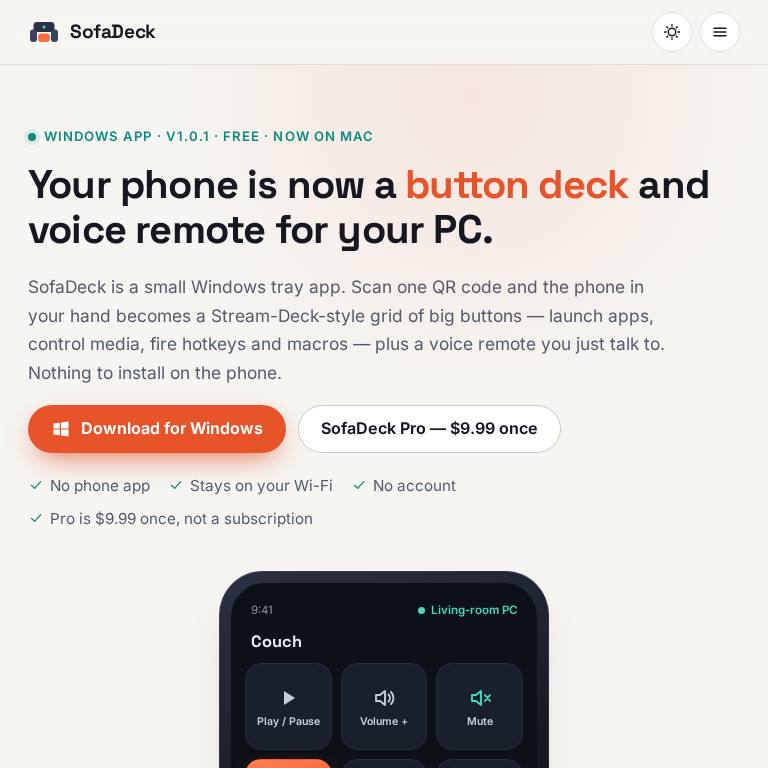
A Stream Deck is a grid of programmable buttons for your computer: one tap mutes your mic, switches an OBS scene, opens an app or types a hotkey. Elgato's hardware is the best known, but you don't need it. Your phone or a tablet can do most of the same job, and some of the alternatives are free. Here is how the main options compare, who each one suits, and what to check before you choose. Full disclosure: we make SofaDeck, one of the options below.
The short answer
- Want physical keys and the biggest plugin library: the Elgato Stream Deck hardware.
- Already own a Stream Deck and want more keys on the go: Elgato's Stream Deck Mobile.
- Want a free deck on the phone you already have, with no phone app: SofaDeck or Macro Deck.
- Want deep layout customisation on a tablet: Touch Portal.
Stream Deck alternatives compared
| Option | What it is | Computers | Cost | Best for |
|---|---|---|---|---|
| Elgato Stream Deck (hardware) | Physical keys with screens | Windows, Mac | One-time hardware purchase | Streamers who want real buttons and the plugin library |
| Stream Deck Mobile | Phone or tablet app | Windows, Mac (with Stream Deck software) | 6 keys free; Pro subscription or lifetime | Existing Stream Deck users adding a phone |
| SofaDeck (ours) | Phone browser, no phone app needed | Windows, Mac | Free; Pro $9.99 one-time | Couch PCs, media, voice commands, simple hotkeys |
| Touch Portal | Phone or tablet app | Windows, Mac | Free tier; paid Pro upgrade | Customisable layouts and plugins on a tablet |
| Macro Deck | Phone browser or app | Windows | Free, open source | Tinkerers who want a free Windows deck |
| Other hardware controllers | Physical keys or dials | Varies | One-time hardware purchase | Editors who want dials and sliders |
What to look for
Hardware or phone?
Physical keys are faster to hit without looking and never compete with notifications. A phone deck costs nothing extra and can show far more buttons, pages and labels, but it needs the phone to stay awake and on the same Wi-Fi as the computer.
App or browser?
Most phone decks need an app on the phone and a companion app on the computer. SofaDeck and Macro Deck instead serve the buttons as a web page from the computer, so any phone or tablet on your network can open it, including one a guest picks up.
The actions you actually need
For streaming, check OBS and Twitch integrations. For a home-theatre or couch PC, media keys, volume, app launching and voice search matter more. For office work, hotkeys, text snippets and multi-step macros.
Ongoing cost
Hardware is a one-time purchase. Stream Deck Mobile's free tier has six keys; Elgato's Pro tier (checked September 2026) was a subscription or a lifetime purchase. SofaDeck's Pro is a one-time $9.99. Check each maker's current prices, which change by region.
Where SofaDeck fits
We built SofaDeck for our own arcade cabinet: a phone remote for a PC across the room. It runs on Windows and Mac, pairs with a QR code, and gives you big buttons plus a push-to-talk voice remote. The free version has one page of 12 buttons; Pro adds unlimited pages, hotkey combos and macros. It is not a replacement for Elgato's plugin ecosystem if you stream with dozens of integrations. Read how to use your phone as a button deck for your PC or Stream Deck on Mac for setup details.
SofaDeck isn't affiliated with Elgato, Corsair or any other company named here. Stream Deck is a trademark of its owner.
Frequently asked questions
What is the best free Stream Deck alternative?
For a free deck on the phone you already own, SofaDeck (Windows and Mac) and Macro Deck (Windows, open source) both serve buttons to your phone's browser. Stream Deck Mobile also has a free tier with six keys.
Can I use my phone as a Stream Deck?
Yes. Elgato's Stream Deck Mobile app works with the Stream Deck software, and browser-based decks such as SofaDeck need no app on the phone at all.
Is a phone deck as good as the hardware?
For most hotkeys, media and app launching, yes. Physical keys are faster to hit without looking, and Elgato's plugin library is larger.
Does SofaDeck cost anything?
The free version gives one page of 12 buttons plus the voice remote. SofaDeck Pro is a one-time $9.99 for unlimited pages, hotkey combos and macros.