Shopify tiered pricing: 4 ways to set it up, compared
Tiered pricing on Shopify: automatic discounts per tier, B2B volume pricing, pack variants or an app. Who sees each, plan needs, and how to pick tiers.
October 24, 2026 · 7 min read
Tiered pricing means the unit price drops as the quantity goes up: $18 each for one bag, $17.10 each for two, $16.20 each for four. Shopify has no single "tiered price" field on a product, but there are four ways to get there. They differ in who sees the lower price, whether shoppers can see the tiers before they buy, and which Shopify plan you need. Here they are side by side, then how to pick the tiers themselves.
The four ways to do tiered pricing on Shopify
| Method | Who gets it | Tiers shown on product page | Plan |
|---|---|---|---|
| One automatic discount per tier | Everyone | No (theme edit needed) | Any |
| B2B catalog with volume pricing | B2B company customers only | Yes, for logged-in B2B buyers | Plans that include B2B |
| Separate pack variants (1-pack, 3-pack) | Everyone | As variants | Any |
| A quantity-breaks app on Shopify Functions | Everyone, or tagged customers | Yes, tier table or cards | Any |
1. Automatic discounts, one per tier
In Discounts → Create discount → Amount off products, choose Automatic, set the percentage, pick the products or collections and set Minimum quantity of items. Repeat for each tier. When several qualify and they don't combine, Shopify gives the shopper the best one, so the deepest tier wins. It is free and reliable at checkout. The catch: shoppers can't see the tiers anywhere before checkout, every tier uses one of the limited automatic-discount slots, and "a fixed price of $15 each at 10+" has to be converted into a percentage. Full walkthrough: quantity discounts without Shopify Plus.
2. B2B catalogs with volume pricing
Shopify's B2B features let you give a company its own catalog with quantity price breaks per product. It is the native answer for wholesale accounts, but it only applies to customers set up as B2B companies, and it depends on your plan including B2B. Your regular storefront shoppers never see it. More in our wholesale pricing guide.
3. Pack variants
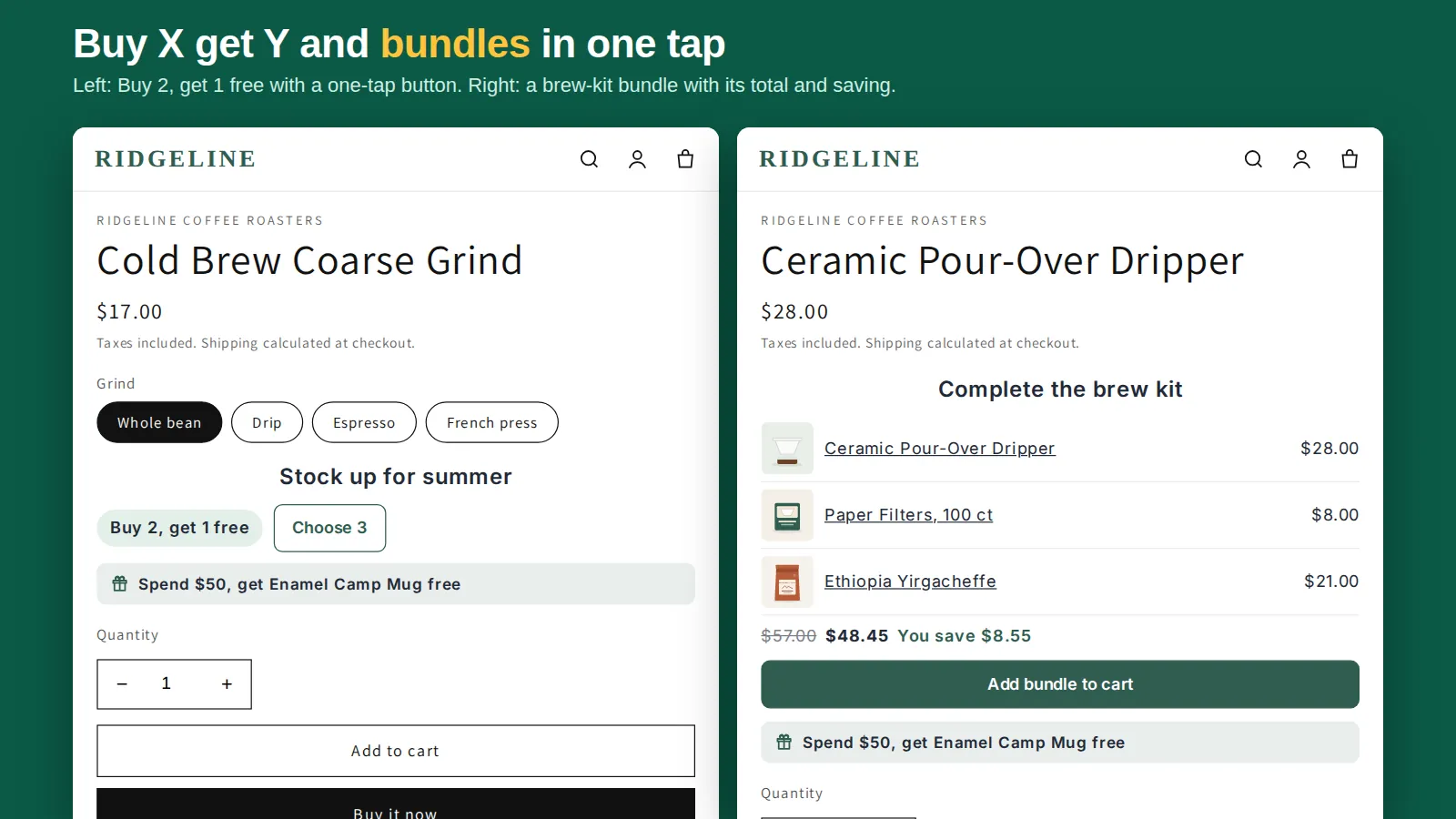
Sell "1 bag", "3 bags" and "6 bags" as variants with their own prices. Shoppers see the tiers clearly, but stock gets messy (three variants of one item), the quantity box still lets people buy 3 single bags at the full price, and you can't mix different products into one tier. It suits fixed multipacks, not "any 6 coffees". If you sell in multiples, see selling in packs and multiples.
4. A quantity-breaks app
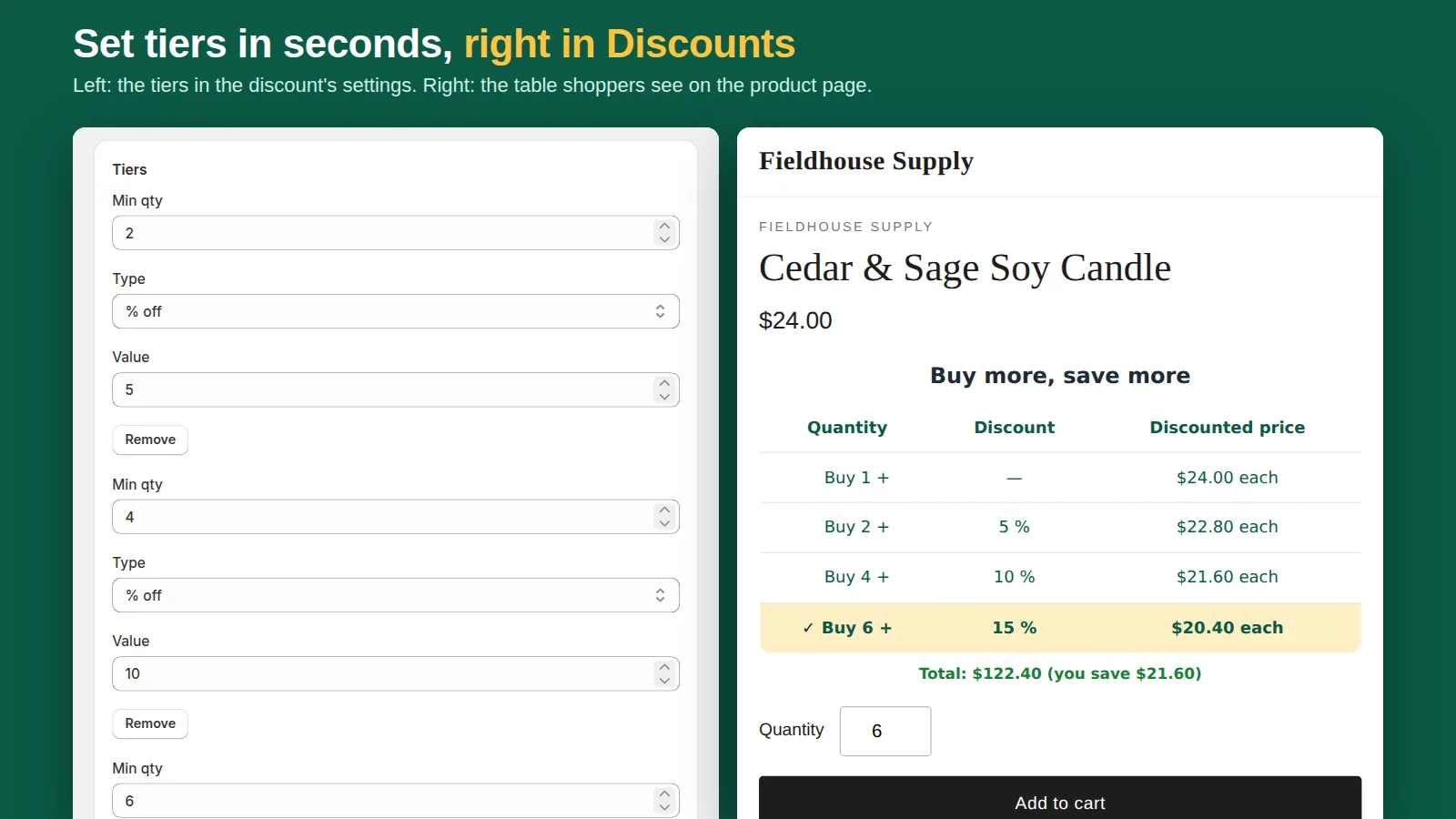
An app keeps all tiers in one discount and shows them to shoppers. Pick one built on Shopify Functions, so the discount runs inside Shopify's checkout (including Buy it now and express checkout) rather than in theme scripts that can drift from the real cart. Tierwise is ours: each tier can be a percentage off, an amount off each unit or a fixed unit price; quantity can count per variant, per product or across a whole collection (mix and match); and on Pro, tiers can be limited to customers with a tag such as wholesale.
Percentage, amount off or fixed unit price?
- Percentage off is the easiest to read and works across products with different prices: "buy 4, save 10%".
- Amount off each unit suits products sold by the unit with thin margins: "$1 off each when you buy 10+".
- Fixed unit price is how trade buyers think: "$15.00 each at 10+, $13.50 at 25+". Use it for one product or a range with the same price.
How to choose the tiers
- Start with your margin at the deepest tier. The top discount applies to every unit in the order, not just the extra ones. A 15% tier on a 40% margin leaves 25 points to pay for shipping and fees.
- Make the first tier reachable. 2 or 3 units for retail. A first tier at 10 is rarely hit by normal shoppers.
- Use two or three tiers. More is hard to read on a phone.
- Anchor the middle tier. A "Most popular" badge on the middle tier steers people past the first one.
- Review after two weeks. Shopify's discount reports show how many orders used the discount. No bulk orders? Lower the first tier.
Ready-made tier sets by store type are in buy more, save more on Shopify, and a step-by-step setup with video is in how to add quantity breaks to Shopify.
Show the tiers where shoppers decide
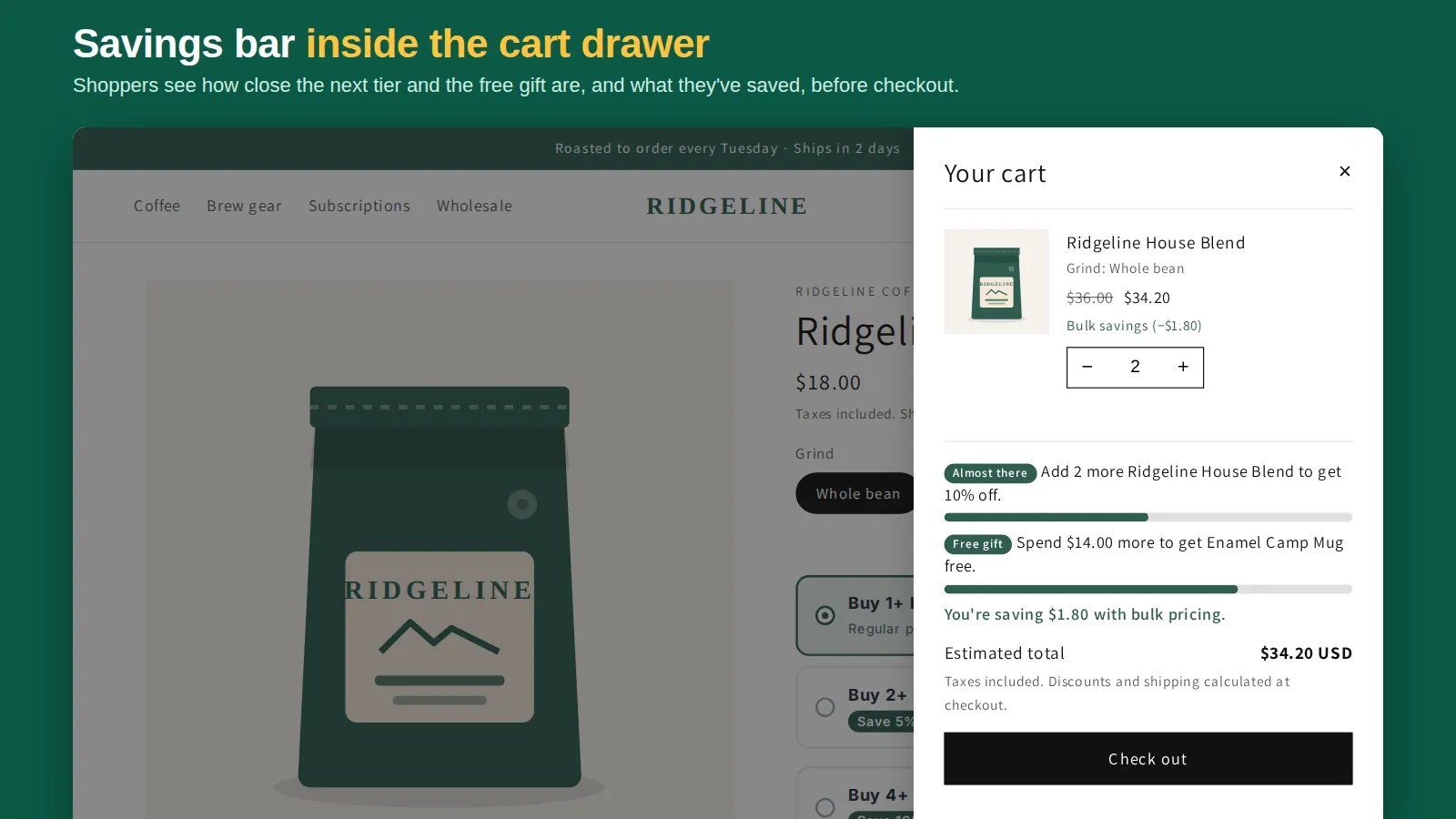
Tiered pricing only lifts order size when people notice it. The three places that matter: a tier table under the price on the product page, a line in the cart and cart drawer saying "add 2 more to save 10%", and a small "Up to 15% off" badge on collection pages. A plain quantity discount table is the minimum; the cart nudge is what turns 2 units into 4.
Frequently asked questions
Does Shopify support tiered pricing natively?
Partly. Automatic discounts with a minimum quantity give one tier each, and B2B catalogs support volume pricing for B2B company customers. Neither shows tiers to regular shoppers on the product page.
Can I set a fixed price per unit at each tier?
Not with a native automatic discount (it takes a percentage or an amount). B2B catalogs and apps such as Tierwise support a fixed unit price per tier.
Can wholesale customers see different tiers?
Yes, with B2B catalogs for company customers, or with an app that limits tiers to a customer tag such as wholesale.
Does tiered pricing work with Buy it now?
If it runs as a Shopify discount (native or a Shopify Functions app), yes. Theme-script price changes can miss Buy it now and express checkout.