Buy more, save more on Shopify: tiers that work and how to show them
Set up buy more save more discounts on Shopify: tier ideas by store type, the no-app method, and a tier table, bundle cards and cart progress bar with Tierwise.
October 23, 2026 · 5 min read
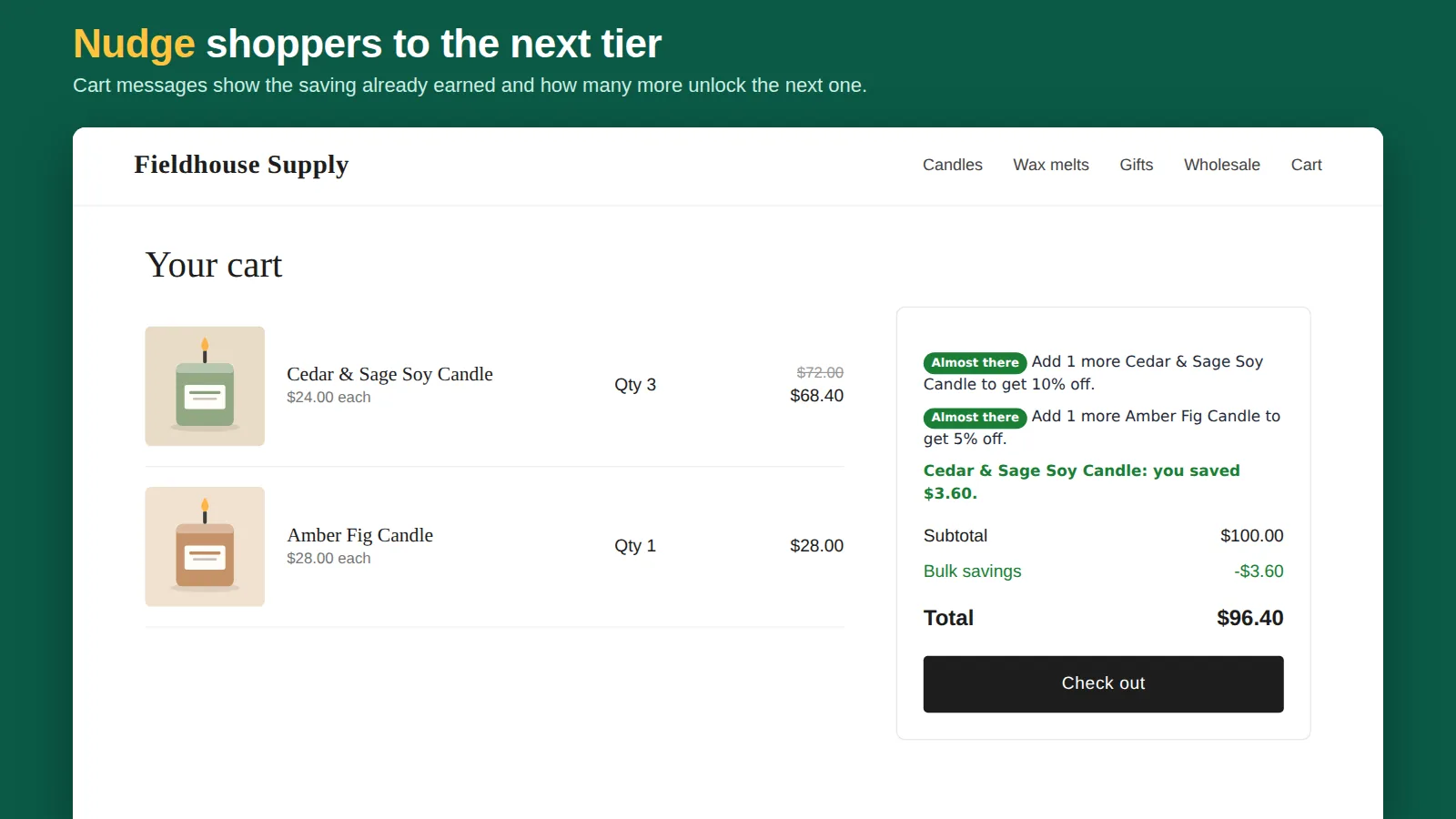
"Buy more, save more" is the simplest way to lift average order value: the more of an item someone buys, the lower the price of each. It works best when shoppers can see the offer at three moments: on the product page, in the cart ("add 1 more to save 10%"), and at checkout, where the discount must actually apply. Here's how to set it up in Shopify, with and without an app.
Pick your tiers
| Store type | Tiers that work |
|---|---|
| Consumables (coffee, soap, supplements) | Buy 2 save 5%, buy 3 save 10%, buy 6 save 15% |
| Apparel basics (socks, tees) | Buy 3 save 10%, buy 5 save 15% |
| Gifts and accessories | Buy 2 save 10% (mix and match across the collection) |
| Wholesale / trade | 10+, 25+, 50+ at a fixed unit price, for tagged customers |
Start with a first tier most shoppers can reach (2 or 3 items). A first tier at 10 items is rarely hit by retail buyers.
Without an app
Create one automatic discount per tier (Discounts → Create → Amount off products, minimum quantity of items). It works at checkout, but shoppers don't see the tiers on the product page, nothing nudges them in the cart, and overlapping tiers need careful combination settings. Details: quantity discounts without Shopify Plus.
With Tierwise
- Pick a template on the app home (Starter: 3+ save 5%, 6+ save 10%; Stack up: 2+/4+/6+; Wholesale: 10+/25+/50+) and press Use these tiers. It runs as an automatic discount, so no code is needed.
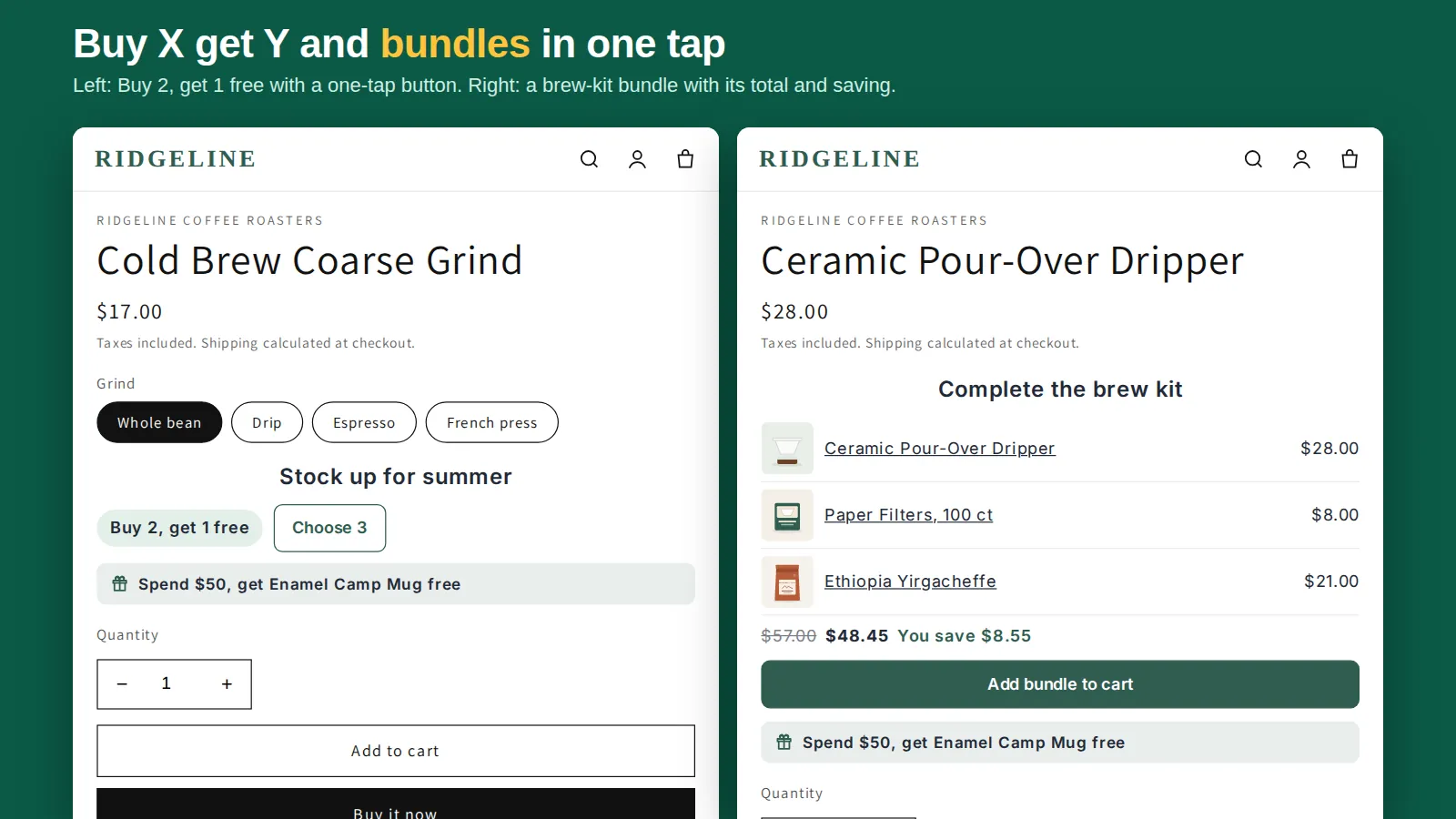
- Press Add to product page, choose a style in the block settings (tier table, bundle cards with a "Most popular" badge, or compact buttons) and Save.
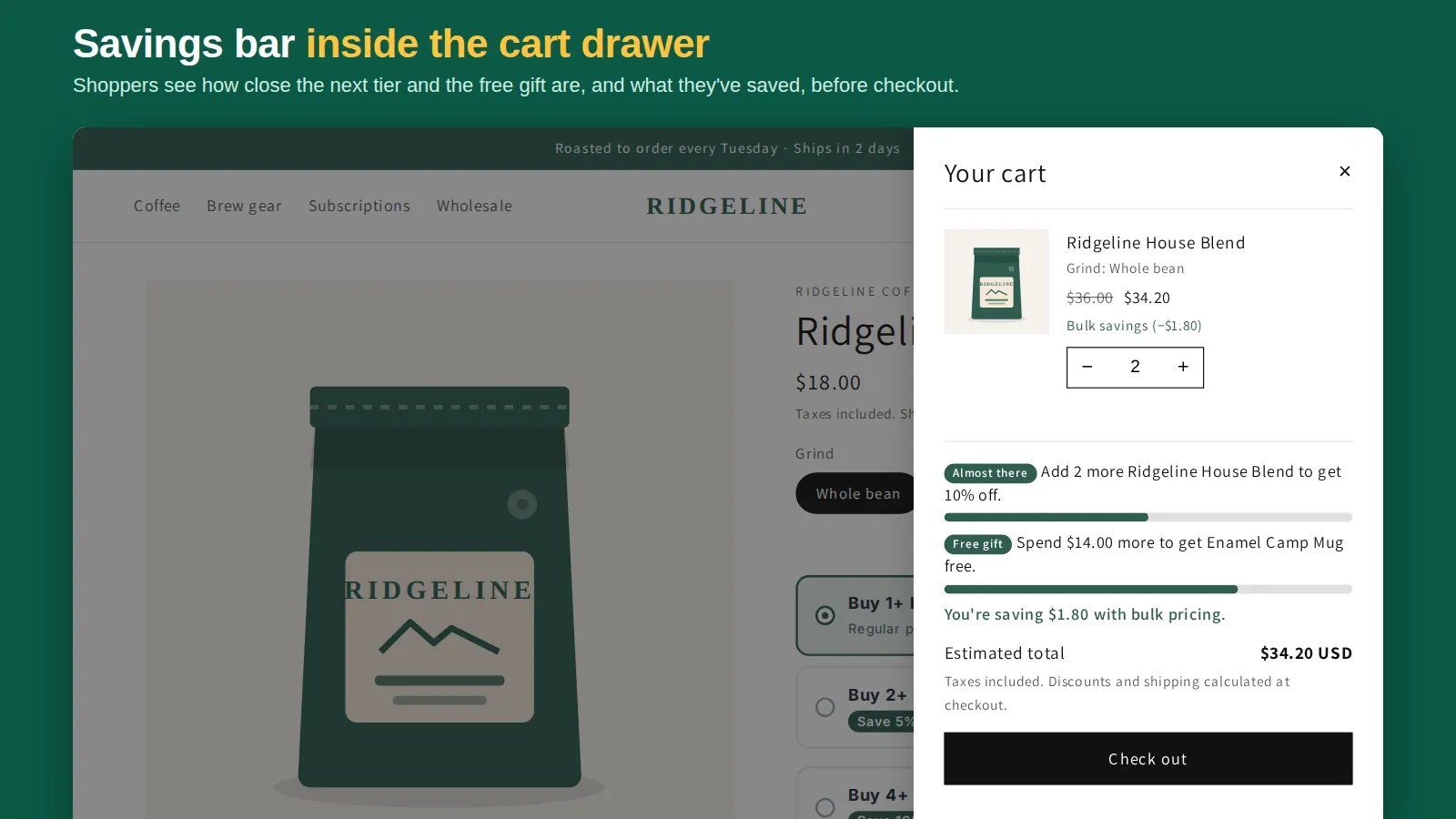
- Add the Cart Savings & Upsell block: "Add 1 more to get 10% off" with a progress bar to the next tier, and "you saved $4.50" once it applies.
- Optional: turn on collection badges ("Up to 15% off") so the offer is visible on every product card.
Make it pay
- Check your margin per tier. A 15% tier on a 40% margin product leaves 25 points; make sure shipping still fits.
- Mix and match across a collection lifts orders more than per-variant counting for gifts and small items.
- Mark one tier "Most popular". Anchoring the middle tier steers buyers past the first one.
- Watch discounted orders in Shopify's discount reports after two weeks. No bulk orders? Lower the first tier.
More: quantity breaks setup guide, quantity discount table and free quantity break apps compared.
Frequently asked questions
Does Shopify have buy more save more built in?
Partly: an automatic discount with a minimum quantity of items gives one tier. Several tiers need several discounts, and nothing shows them on the product page or in the cart without an app.
What's a good first tier?
Two or three items. It should be reachable by a normal shopper; deeper tiers (6+, 10+) reward the bigger buyers.
Can I show a progress bar to the next discount?
Yes. Tierwise's Cart Savings & Upsell block shows how many more items unlock the next tier, with a progress bar.