Shopify free gift with purchase: set it up so shoppers actually claim it
Set up a free gift with purchase on Shopify: the native Buy X get Y method step by step, why the gift isn't added for shoppers, and a progress bar with one-tap add.
October 24, 2026 · 6 min read
"Spend $50, get a free mug" pushes carts over a threshold without discounting the products shoppers came for. Shopify can run a free gift with purchase natively, with one catch that trips up most stores: the gift has to be in the cart for the discount to apply. Here's the native setup step by step, how to deal with that catch, and an app route that shows the offer and adds the gift with one tap.
Pick the trigger and the gift
- Spend threshold ("spend $50") lifts average order value. Set it about 20–30% above your current average order.
- Item count ("buy any 3") suits stores with similar-priced products.
- The gift should cost you little, feel worth having and relate to the order: a mug with coffee, a sample with skincare, a tote with clothes.
The native way: Buy X get Y with a minimum purchase amount
- Create the gift as a product (it can be hidden from collections but must be available on the Online Store channel).
- Go to Discounts → Create discount → Buy X get Y and choose Automatic discount.
- Under Customer buys, choose Minimum purchase amount, enter 50 and choose which products count.
- Under Customer gets, enter 1, pick the gift product and set the discount to Free.
- Set maximum number of uses per order to 1, then Save.
- Test: a $45 cart with the gift pays for it; a $55 cart with the gift gets it free.
The catch: the gift isn't added for the shopper
Shopify discounts the gift only when it's already in the cart. Nothing adds it, and nothing tells a shopper at $42 that they're $8 away. So you have to say it everywhere: an announcement bar, a line on product pages ("Spend $50, get a free mug"), and in the cart. Many stores also make the gift easy to find with a link in the cart notes. Without that, most eligible shoppers never claim it, and the offer doesn't change behaviour.
The app way: free gift with progress and one-tap add (Tierwise)
Tierwise has a Free gift discount style built on Shopify Functions, so Shopify applies it at checkout like the native discount, plus the storefront parts:
- In Discounts, create a Quantity Breaks Discount and set Discount style to Free gift.
- Pick the gift product, then a minimum spend (in your store's currency) or a minimum number of items, and which products count toward it. The gift never counts toward its own minimum.
- Choose free, or a percentage off the gift, and how many units.
- Add the Quantity Breaks block to product pages and turn on cart drawer savings from the app home.
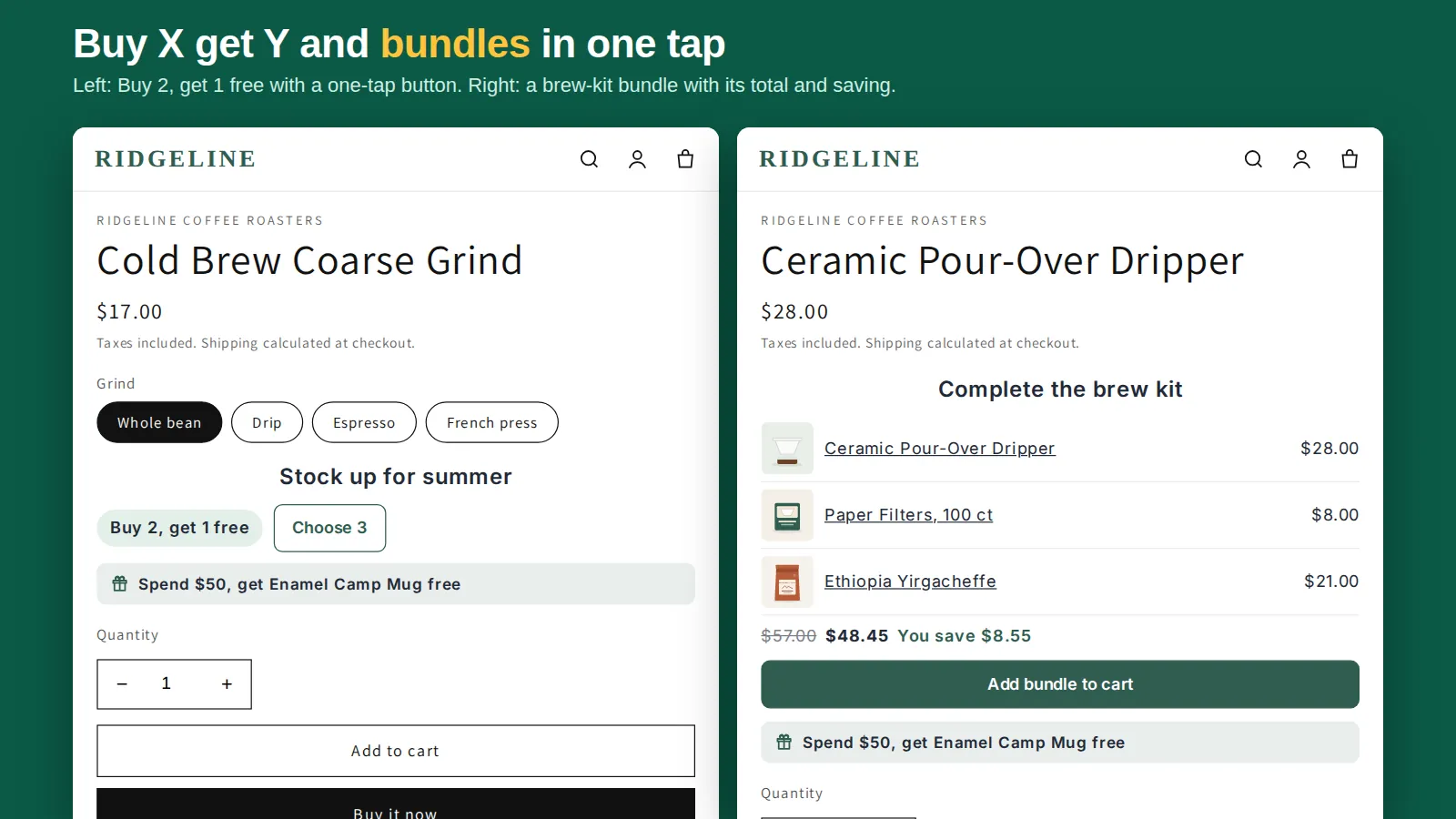
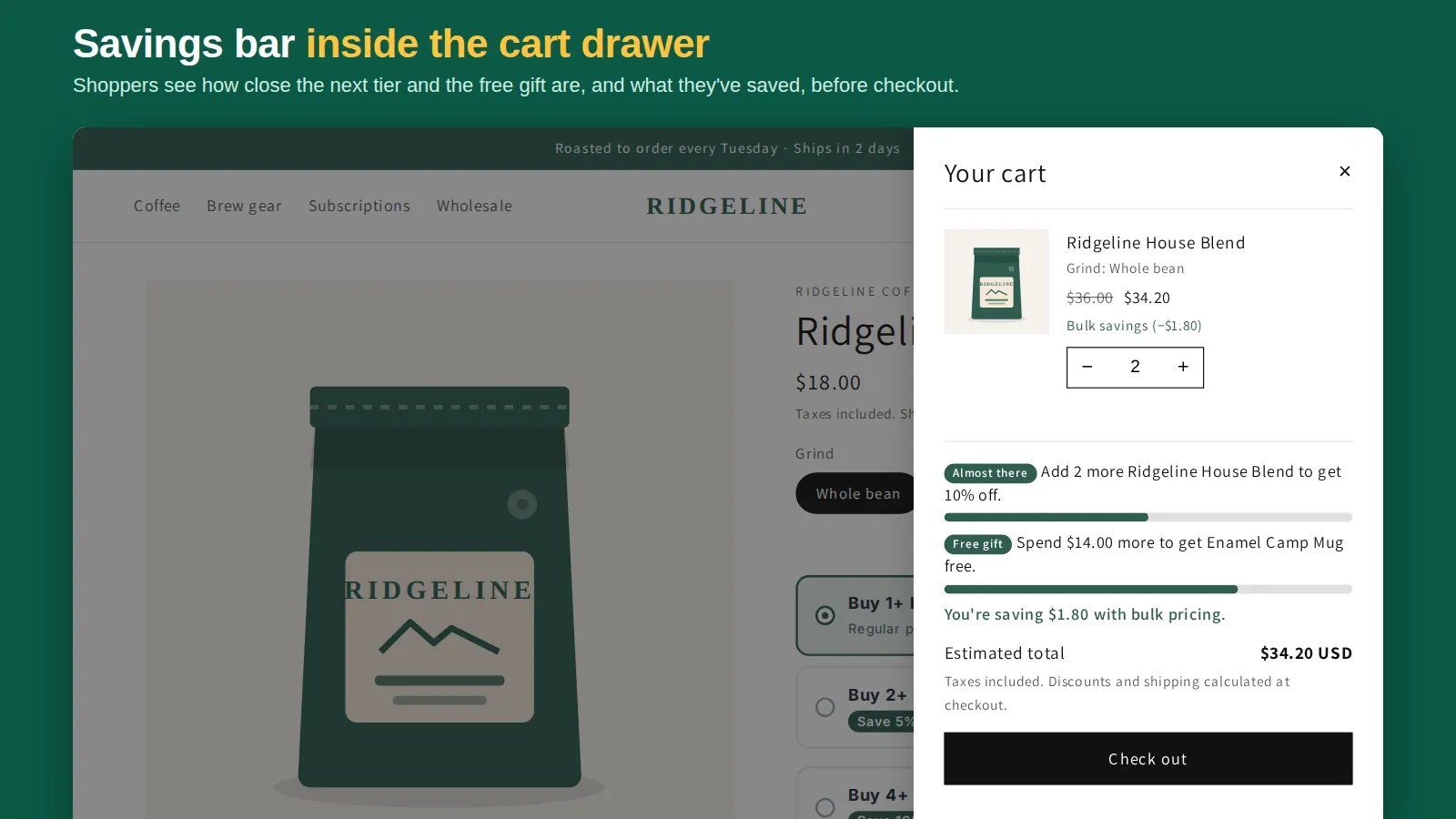
Product pages then say "Spend $50, get Enamel Camp Mug free". The cart page and the slide-out cart show a progress bar ("Spend $8.00 more to get the mug free"), then an Add free gift button once the order qualifies. You can also switch on auto-add (once per visit, off by default). For shoppers browsing in another currency, the spend note is hidden on product pages and the minimum is converted at checkout.
Native vs app
| Shopify Buy X get Y | Tierwise Free gift | |
|---|---|---|
| Gift free at checkout, automatic | Yes | Yes |
| Spend or item-count trigger | Yes | Yes |
| Offer shown on product pages | No | Yes |
| Progress bar in cart and drawer | No | Yes |
| Adds the gift for the shopper | No | One-tap button, optional auto-add |
Tips
- Track stock on the gift and end the offer before it sells out; a promised gift that can't be added is a support ticket.
- Exclude the gift from other discounts so it isn't discounted twice.
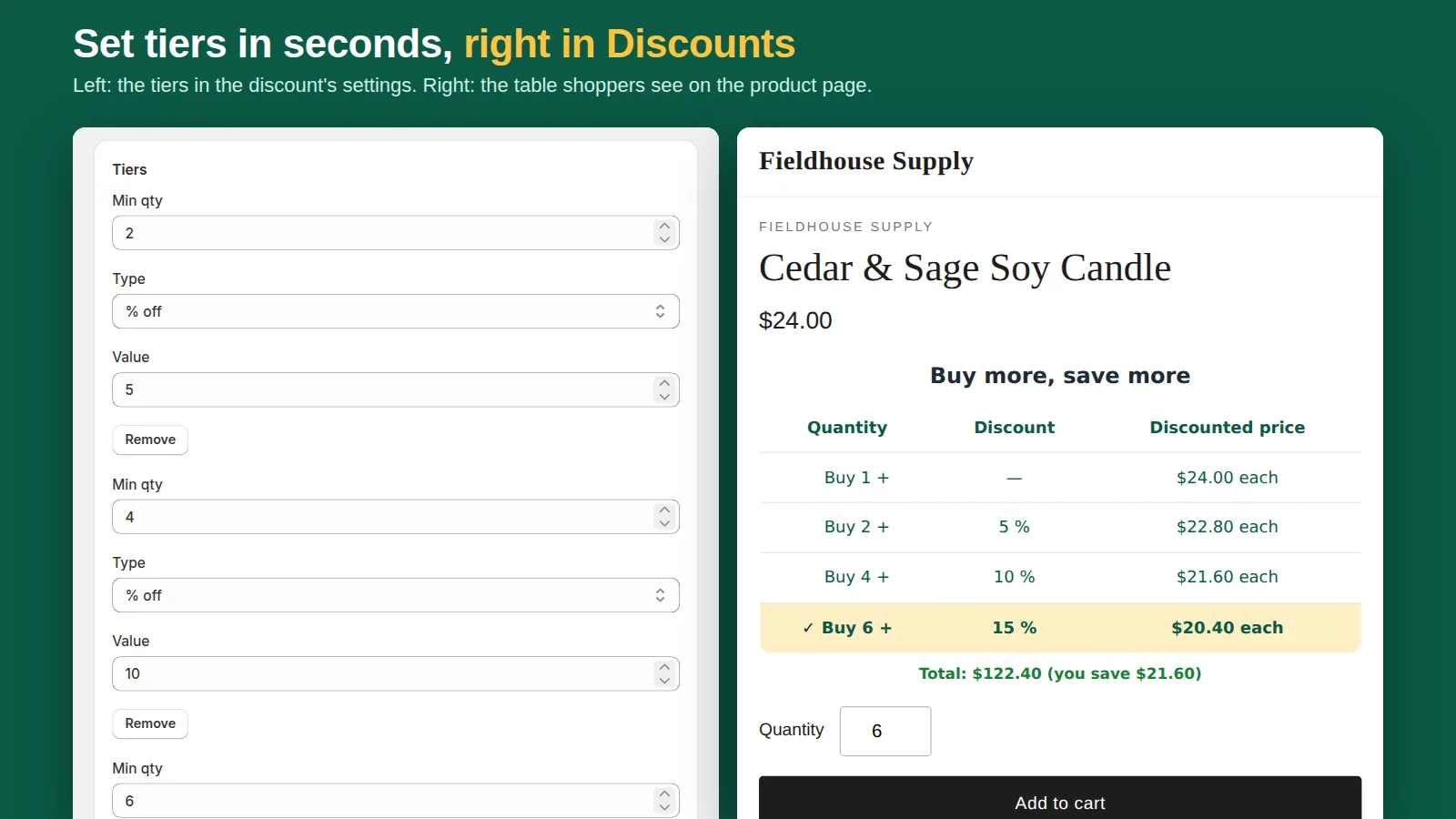
- Combine with tiers: quantity breaks raise units, the gift threshold raises cart value. See buy more, save more.
Related: buy 2 get 1 free on Shopify and Shopify bundle discounts.
Frequently asked questions
Does Shopify add the free gift to the cart automatically?
No. Shopify's discount makes the gift free only when it is already in the cart. Apps such as Tierwise add an Add free gift button or an optional auto-add.
Can the free gift be triggered by spend instead of quantity?
Yes. In Buy X get Y choose Minimum purchase amount under Customer buys. Tierwise supports a minimum spend or a minimum number of items.
Does the gift count toward the minimum spend?
With Tierwise, never. With the native discount, choose which products count under Customer buys and leave the gift out.