Best bulk edit apps for Shopify in 2026, compared honestly
Hextom, Ablestar, Matrixify, NA Bulk Price Editor and Bulk Edit Everything compared: ratings, free-plan limits, paid plans and which one fits which job.
October 11, 2026 · 6 min read
Disclosure: we make Bulk Edit Everything, one of the apps below. Competitor ratings, plans and limits come from each app's Shopify App Store listing, checked on 11 October 2026. They change, so confirm on the listing before you install.
Shopify's own bulk editor and CSV import handle a lot (see our bulk editing guide). You need an app when you want formulas, filters, scheduling, undo, or record types beyond products. These are the bulk editors most merchants compare, and what each is best at.
Comparison
| App | Rating (reviews) | Free plan | Paid plans from | Strongest at |
|---|---|---|---|---|
| Hextom Bulk Product Edit | 4.9 (1,160) | 10 products per task | $9.99/month (500 per task); $19.99 (5,000, scheduling); $49.99 | Product edits with revert and backups |
| Ablestar Bulk Product Editor | 4.9 (926) | 10-product limit (no limit on development stores) | $30/month (unlimited per task, scheduled edits); $60; $120 | Products and metafields, recurring edits and automatic rules |
| Matrixify | 4.9 (1,764) | 10 items per file per type | $20/month; $50; $200 | Spreadsheet import/export of almost everything, migrations |
| NA Bulk Price Editor | 4.9 (252) | 100 price changes a month | $9.95/month (1,000 changes); $14.95; $19.95 unlimited | Price changes and scheduled sales |
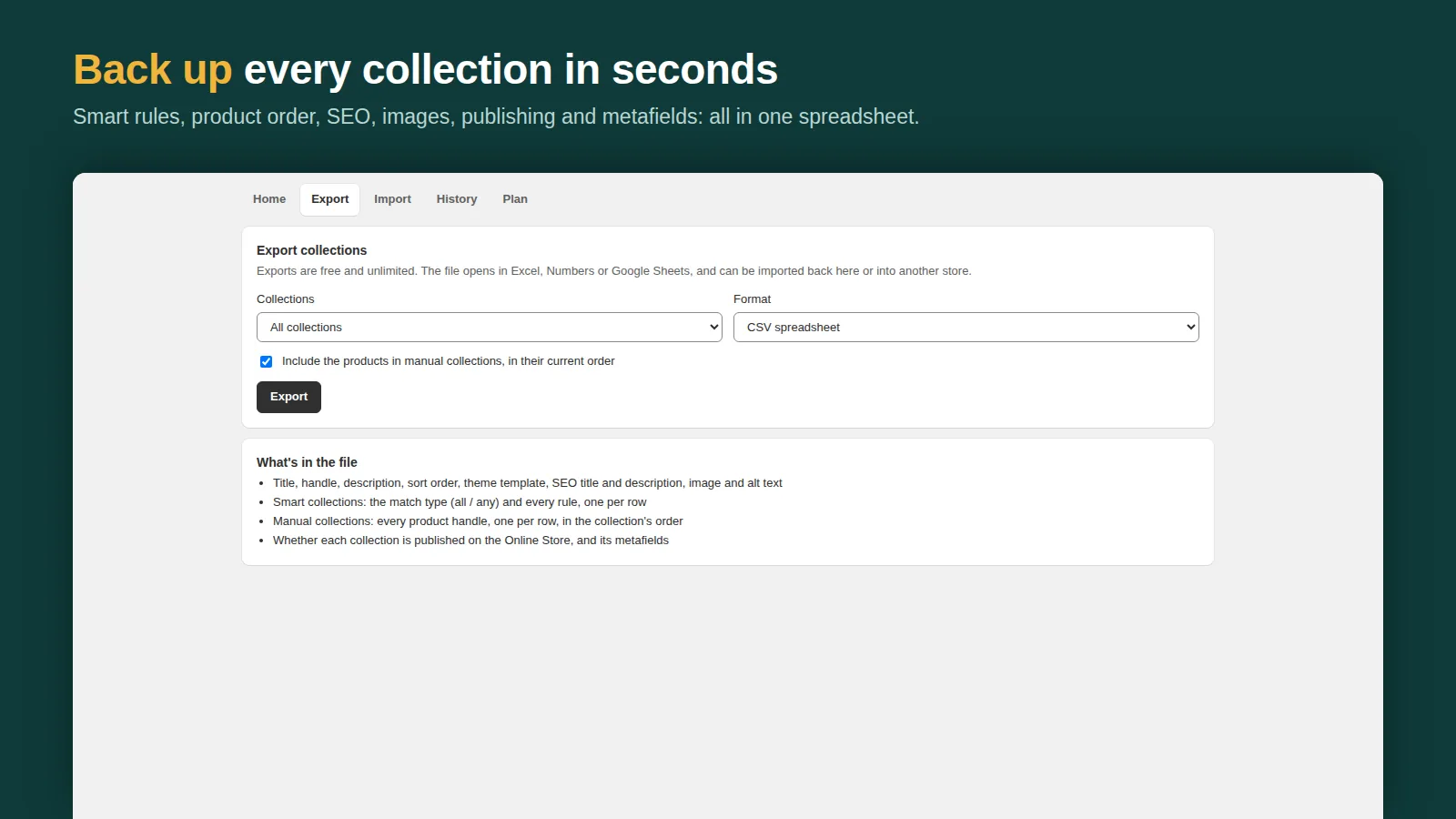
| Bulk Edit Everything | New, no reviews yet | 50 changed records per task, 7-day undo | $9.99/month (5,000 per task, scheduling); $24.99 unlimited | 11 record types incl. customers and orders, preview and undo |
How to choose
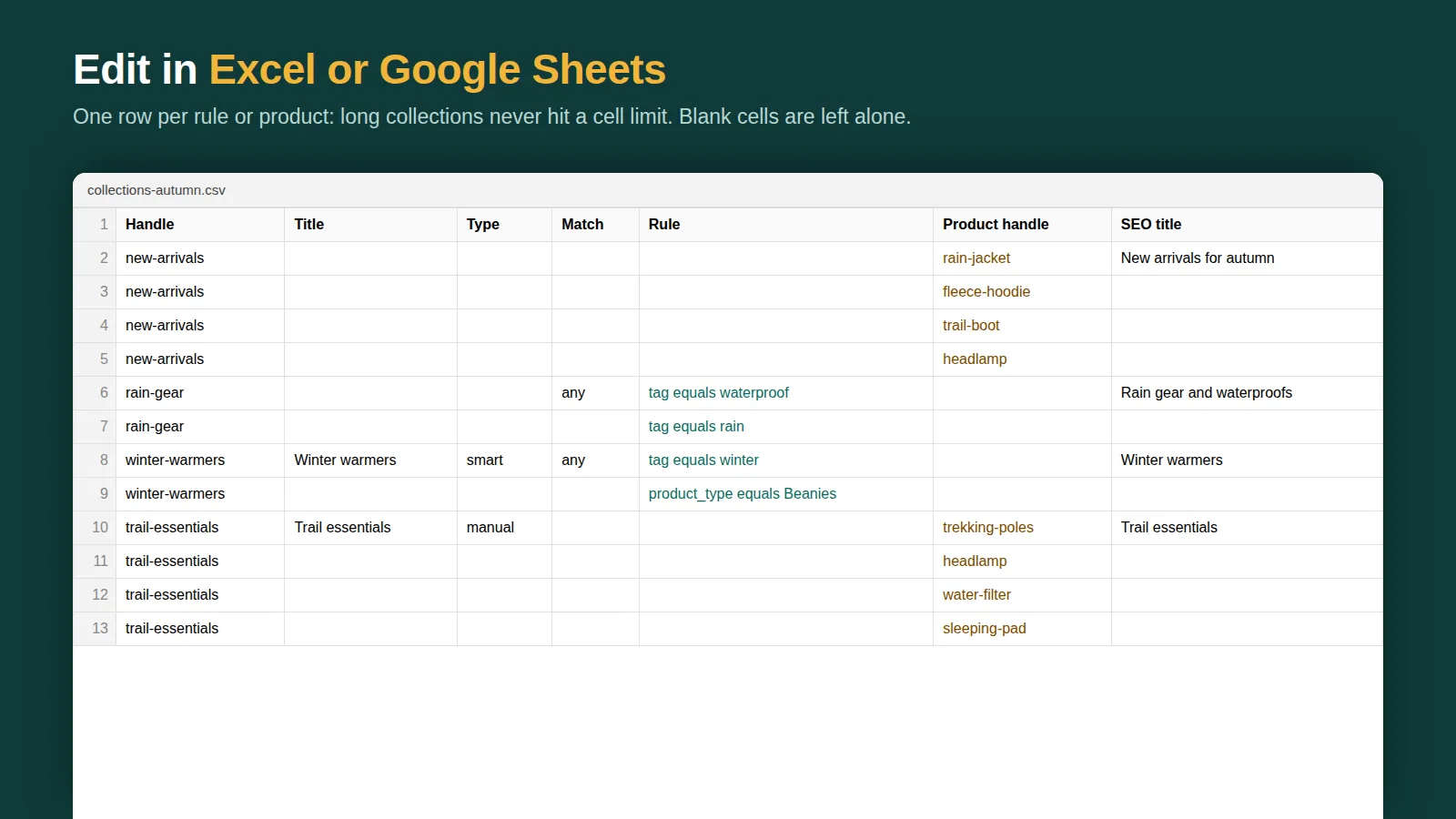
- You live in spreadsheets, or you're migrating a store: Matrixify. It imports and exports nearly every Shopify object and is the standard for migrations.
- You only change prices and run sales: NA Bulk Price Editor, or Hextom. Both are focused and well reviewed.
- You want automation that keeps running (recurring edits, product rules, inventory sync jobs): Ablestar's higher plans.
- You edit more than products (customers, orders, draft orders, pages, blog posts, files, redirects) and want every change previewed and undoable: Bulk Edit Everything.
Where Bulk Edit Everything is different, and where it isn't
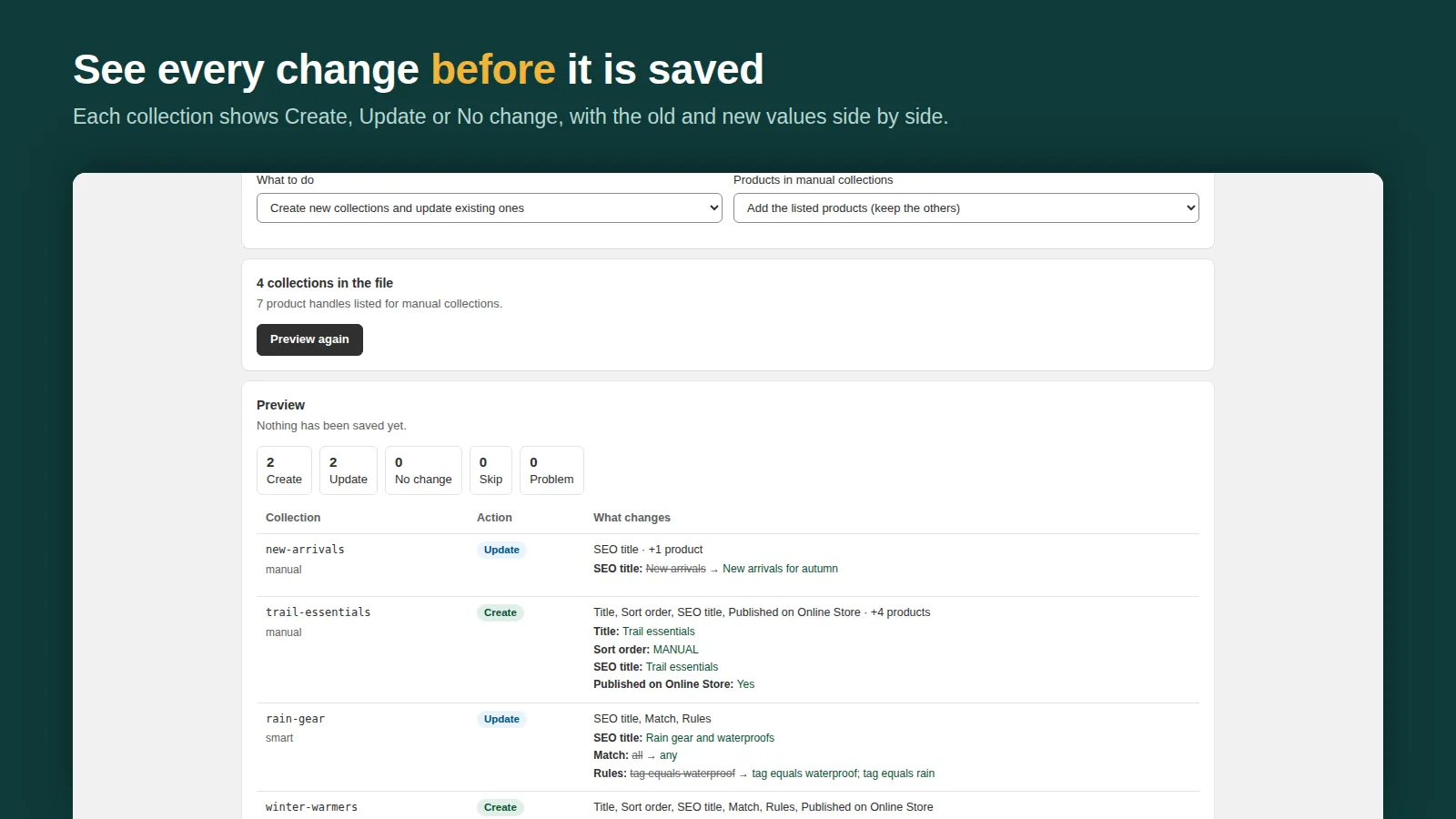
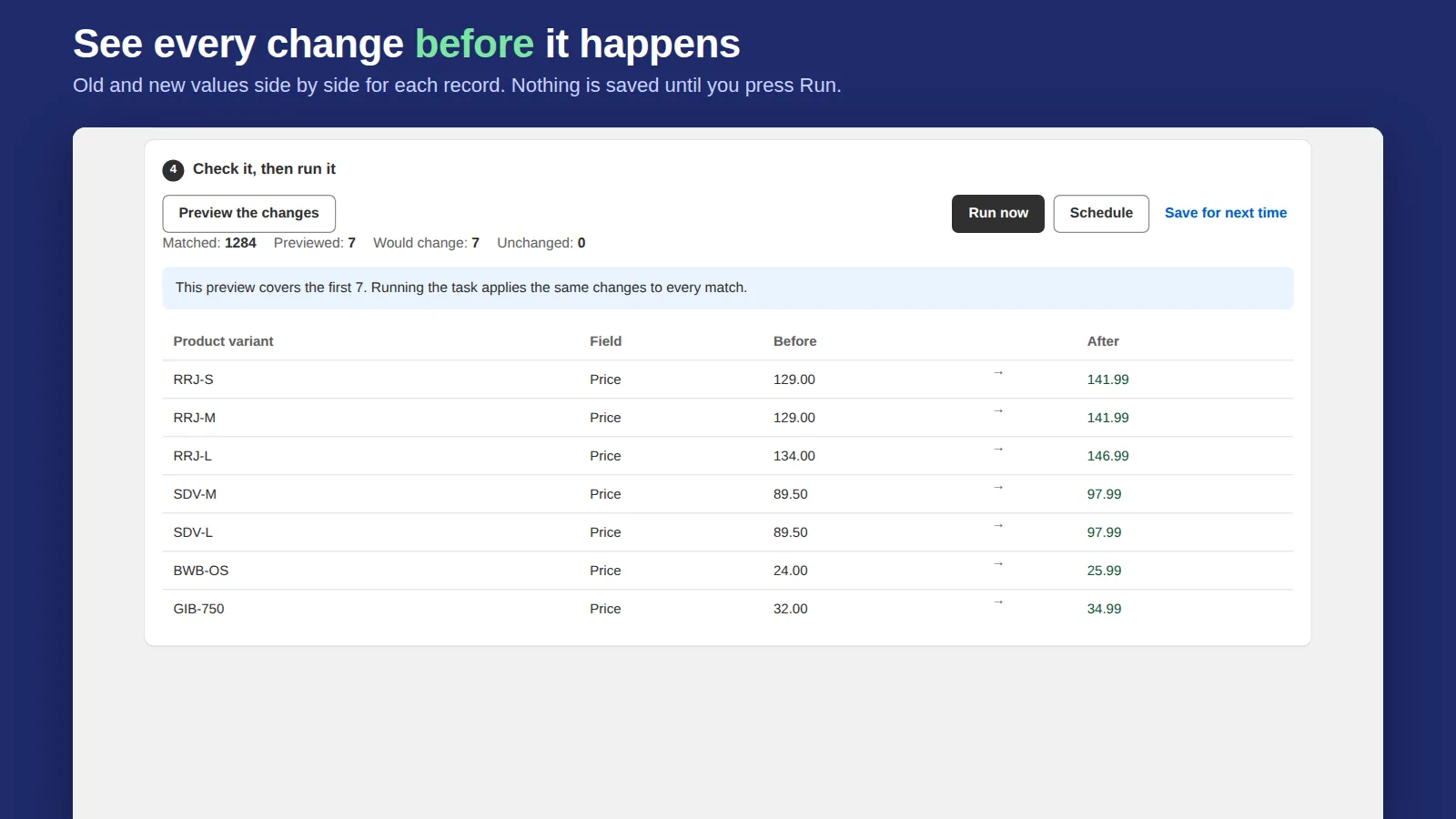
It edits 84 fields across 11 record types plus any metafield, shows every before-and-after value before saving, can undo any task (7 days on Free, 30 on Starter, 90 on Pro) and schedules sales on paid plans. The free plan counts only records that actually change, up to 50 per task, which covers many one-off fixes. It's new and has no reviews yet, and it doesn't do recurring rules or inventory syncing from supplier feeds. If you need those, the apps above do.
What to test in any bulk editor before you trust it
- Run a small task on 5 products and check the result in the admin.
- Undo it. If there's no undo, export a backup before every task.
- Check how it counts the free limit: products, variants, or changed records.
- Check rounding on prices (.99, .95) and what happens to compare-at prices.
Guides: bulk edit prices, variants, inventory and tags.
Frequently asked questions
What is the best free bulk edit app for Shopify?
It depends on the job. Most free plans cap you at around 10 products per task or 100 price changes a month. Bulk Edit Everything's free plan allows 50 changed records per task across 11 record types.
Do I need an app to bulk edit in Shopify?
Not always. The built-in bulk editor and CSV import handle many jobs. Apps add formulas, filters, scheduling, undo and more record types.