Shopify wholesale pricing: 4 ways to set it up
Four ways to offer wholesale pricing on Shopify: B2B catalogs, a separate wholesale store, segment-limited discount codes, and automatic tiers by customer tag.
September 27, 2026 · 6 min read
Wholesale buyers expect lower prices than retail customers, often with a minimum order. Shopify gives you several ways to do that, from its full B2B features to simple customer-tag discounts. Here are the four common set-ups, with the trade-offs of each, so you can pick the lightest one that fits.
Option 1: Shopify B2B (catalogs, price lists and company accounts)
Shopify's B2B features let you create companies (your wholesale customers), assign them a catalog with fixed prices or a percentage adjustment, and add volume pricing and quantity rules. B2B customers log in and see their prices in the same store; you can also offer payment terms.
It's the most complete option. Check which B2B features your Shopify plan includes before you plan around it, and expect some set-up: every buyer needs a company and location record.
Option 2: a separate wholesale store
Some brands run a second, password-protected Shopify store for wholesale, with its own prices. It keeps retail and wholesale fully apart, but it's a second store to pay for and keep in sync (products, inventory, collections). If you go this way, tools that copy collections between stores, like Shelfport, save a lot of re-typing.
Option 3: discount codes limited to wholesale customers
The lightest native option:
- Tag wholesale customers (for example
wholesale) in Customers. - Create a customer segment for that tag.
- In Discounts, create an amount-off discount code and set customer eligibility to that segment.
- Send the code to your wholesale buyers.
It works on every plan, but buyers must remember the code, the storefront still shows retail prices, and there are no tiers unless you create a code per tier.
Option 4: tag-based wholesale tiers applied automatically
A discount app built on Shopify Functions can check the customer's tags inside checkout and apply wholesale tiers automatically, with no code to remember. Pair it with order limits so wholesale orders meet your minimums.
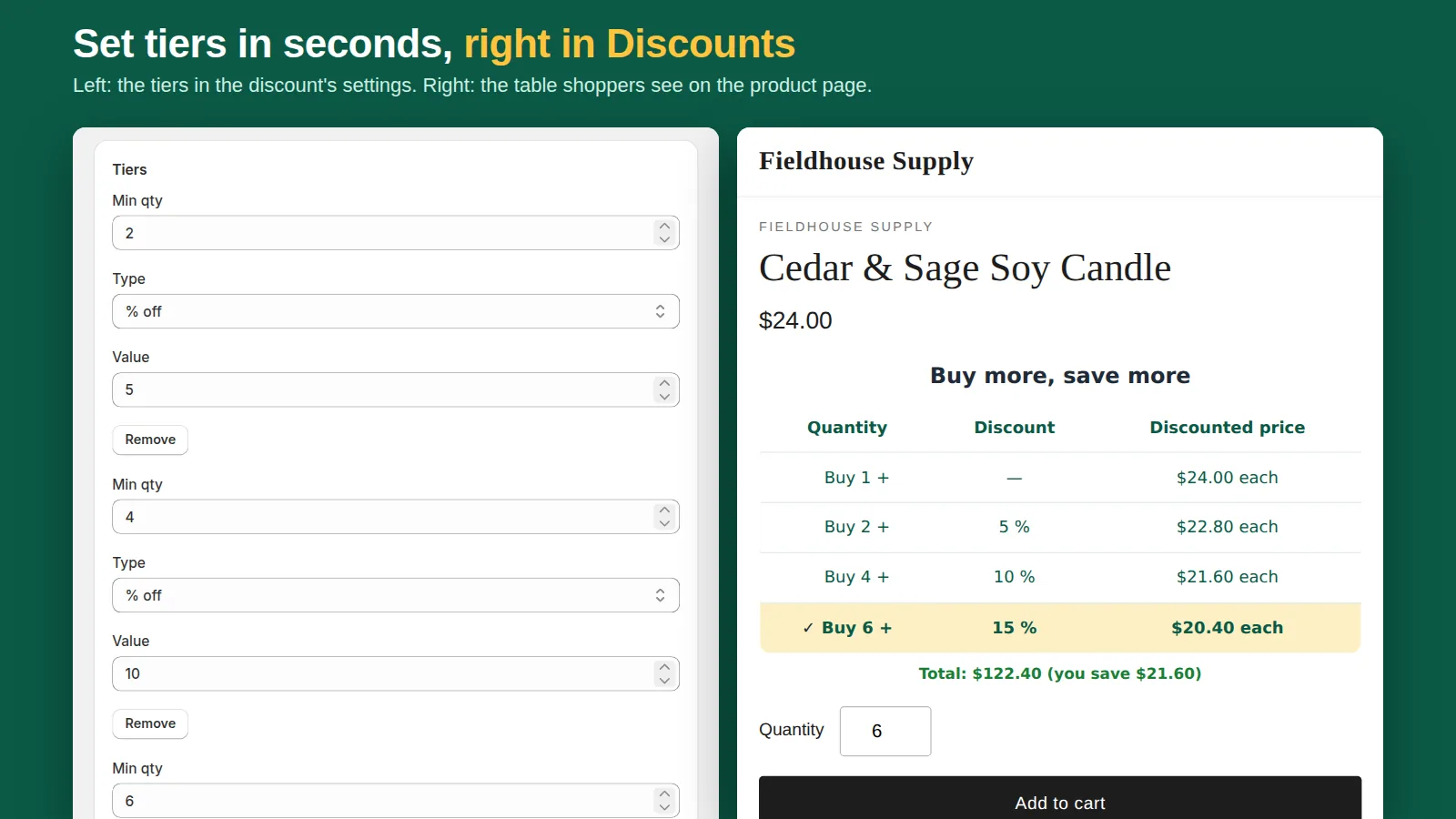
That's what the Pro plan of our app Tierwise does: wholesale tiers for customers with a tag you choose (for example 10% off at 12 units, 20% at 48), plus minimum, maximum and pack-size limits that checkout enforces. Retail customers keep seeing the regular quantity breaks. The customer tag is checked inside Shopify's checkout; the app doesn't store customer data.
Which should you choose?
- Many wholesale accounts, payment terms, per-account catalogs: Shopify B2B, if your plan includes it.
- Wholesale is a separate business with its own brand or range: a second store.
- A few trade customers and one flat discount: a code limited to a customer segment.
- Tiered wholesale prices and minimums without the B2B set-up: tag-based tiers from an app.
Wholesale pricing tips
- Start from margin, not from the retail price: many brands target roughly half of retail, but your costs decide.
- Set a minimum order so small wholesale orders don't cost more to pack than they earn. See how to limit order quantity.
- Write your wholesale terms on one page and link it from the account area.
When buyers want a quote instead of a price list
Some trade buyers won't order until you've priced their exact basket. Instead of handling that over email, a quote cart lets them add several products, send one request and get a quote back that converts into a Shopify draft order invoice. We're building Quotewell for exactly that.
All four ways to give volume prices, side by side: Shopify tiered pricing compared.