How to create Shopify collections in bulk
Plan smart collections around tags, create them one by one in Shopify, or build hundreds from one spreadsheet with a preview and undo.
October 11, 2026 · 5 min read
Disclosure: we make Shelfport, mentioned below. The native method needs no app.
One collection per brand, per material, per size, per occasion: a catalogue of a few thousand products can need a few hundred collections, and Shopify creates them one at a time. Here's how to plan them so they mostly build themselves, and how to create them in bulk from a spreadsheet.
Plan: let tags and fields do the work
Smart collections fill themselves from product fields. If every product carries consistent tags (for example brand-acme, material-wool), each collection is a single rule: Product tag is equal to material-wool. Clean the tags first; our tag guide shows how.
Fields you can use in a smart rule include title, type, vendor, tag, price, compare-at price, weight, stock, variant title, category and metafields.
Create them natively
- Go to Products → Collections → Create collection.
- Enter the title and description.
- Choose Smart, add the condition (e.g. Product tag is equal to
material-wool). - Set the sort order, image and SEO fields, choose sales channels and save.
- Repeat for each collection.
About two minutes each once you're quick. Fine for 20, slow for 200, and easy to typo a rule along the way.
Create them from a spreadsheet
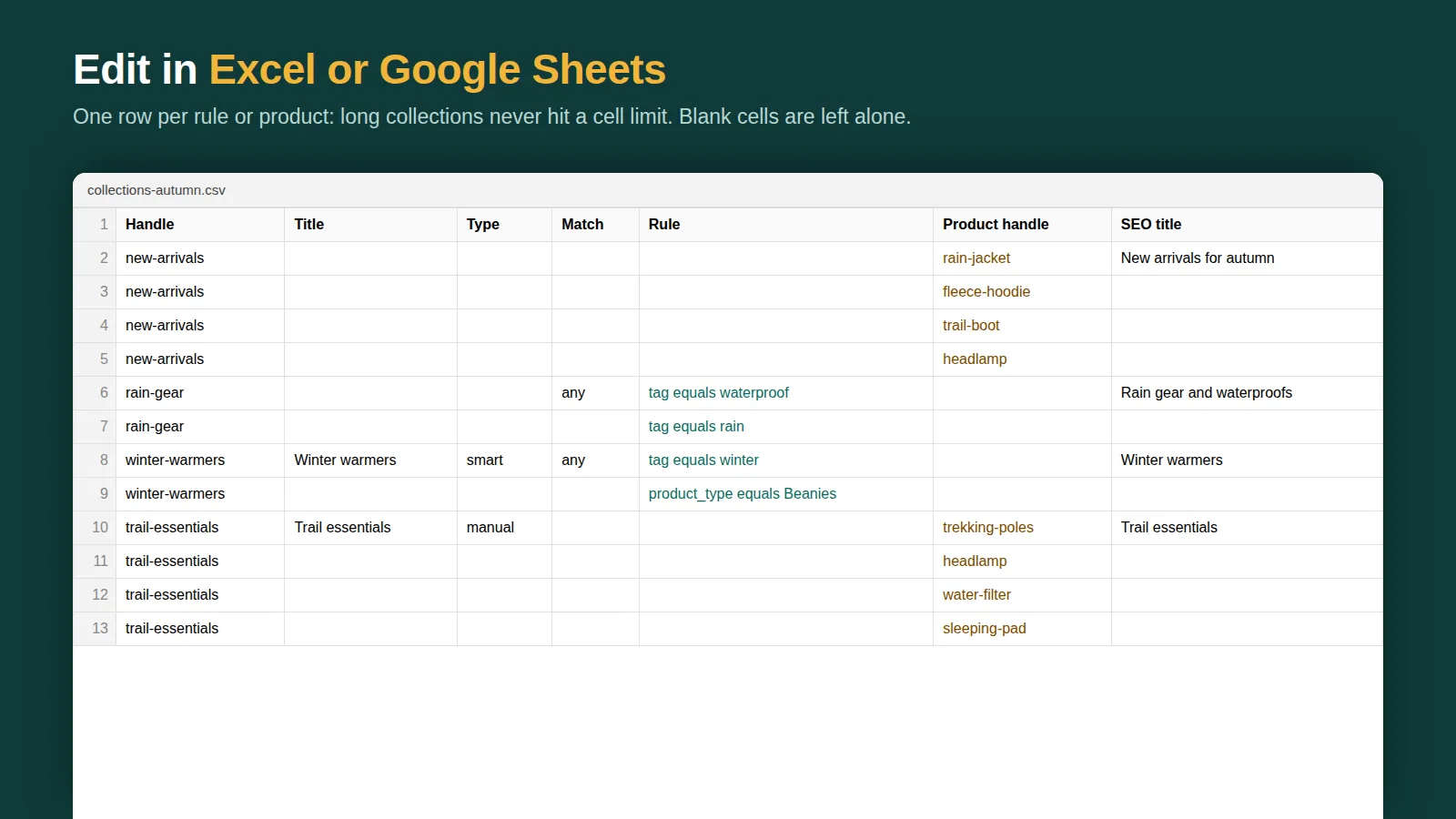
The quicker route is a sheet with one row per collection: title, handle, rule, sort order, SEO title and description. You can build it with formulas from a list of tag values, so 150 brand collections are 150 rows you fill down in seconds.
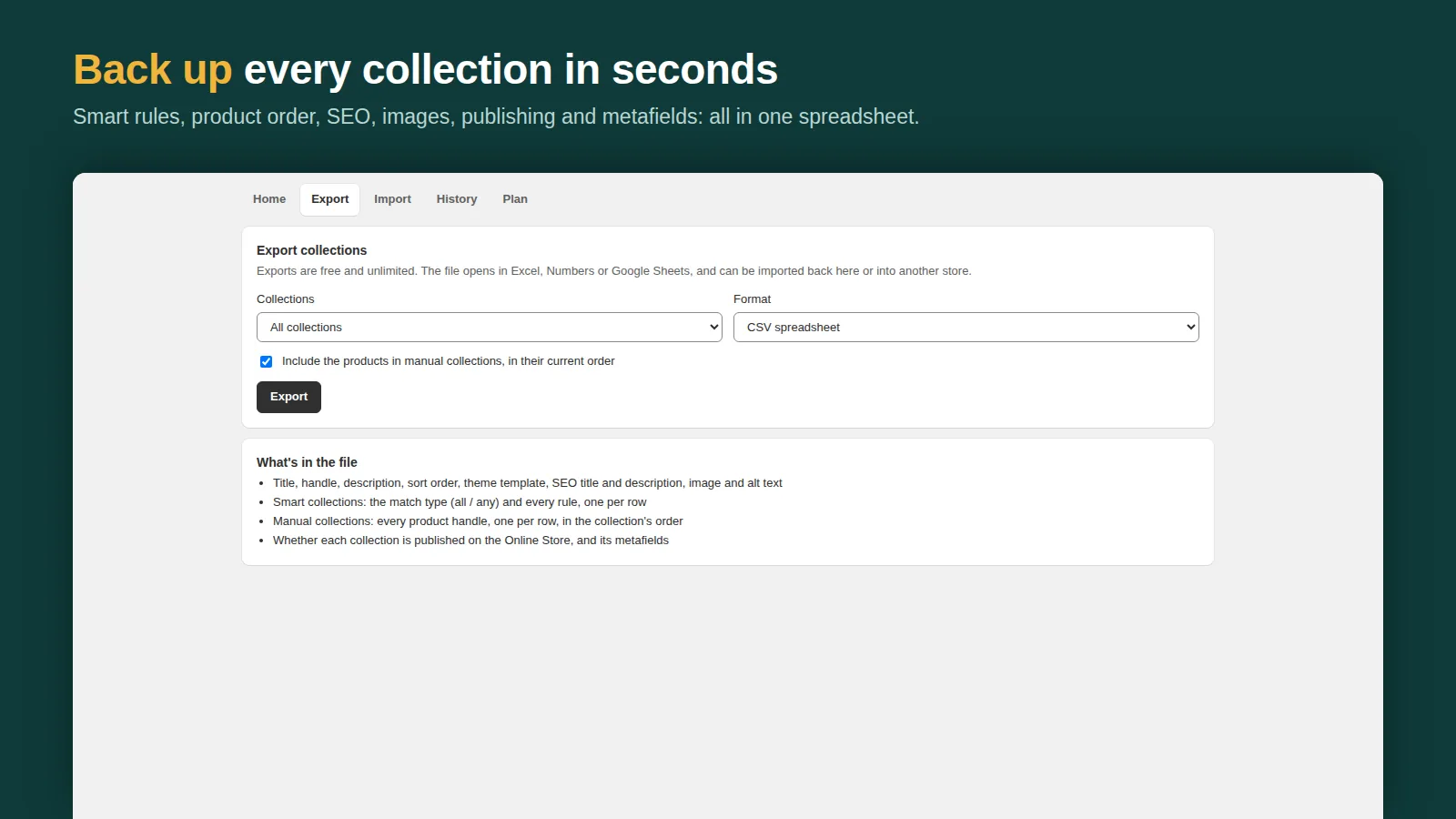
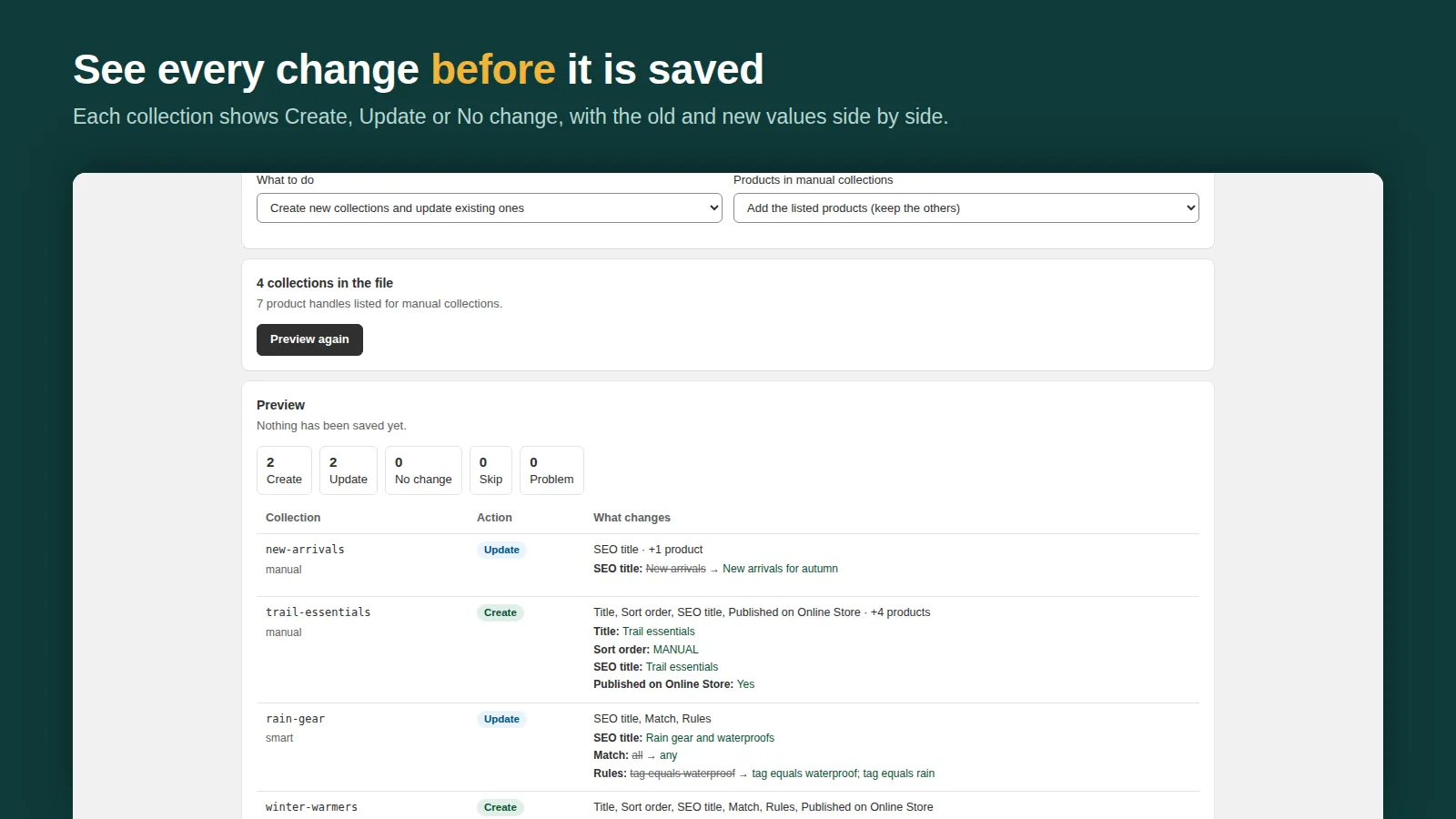
Shelfport imports that sheet (Excel .xlsx, CSV or JSON). Start from its template or from an export of your existing collections, add rows, and import. The preview lists every collection that will be created or changed, with its rules, before anything is saved, and the whole import can be undone in one click. Manual collections work too: list the product handles, in order.
After you create them
- Sort the list of collections by product count and look for zeros: an empty collection usually means a rule typo or a missing tag.
- Add the important ones to navigation and filters.
- Write unique descriptions for the collections you want to rank in Google. Thin or duplicate collection pages rarely rank.
Related: smart collections guide, collection sort order and collection CSV export and import.
Frequently asked questions
Can I import collections into Shopify?
Not with Shopify's built-in importer, which handles products, customers and inventory. An app or the Admin API is needed to import collections.
What's the fastest way to make many smart collections?
Give products consistent tags, then create one smart collection per tag value. Building the list in a spreadsheet and importing it is fastest for large catalogues.